Video sells. But making it used to take a camera, a crew and a big budget.
Not anymore. In 2026, you can type an idea and get a finished ad, a YouTube Short or a full explainer video in minutes. No filming. No editing. You don't even need to show your face.
So we tested the field again and rebuilt this list from scratch. Here are the 11 best AI video generators for marketing right now, with real prices, a demo for each one, and honest pros and cons.
The Quick Version
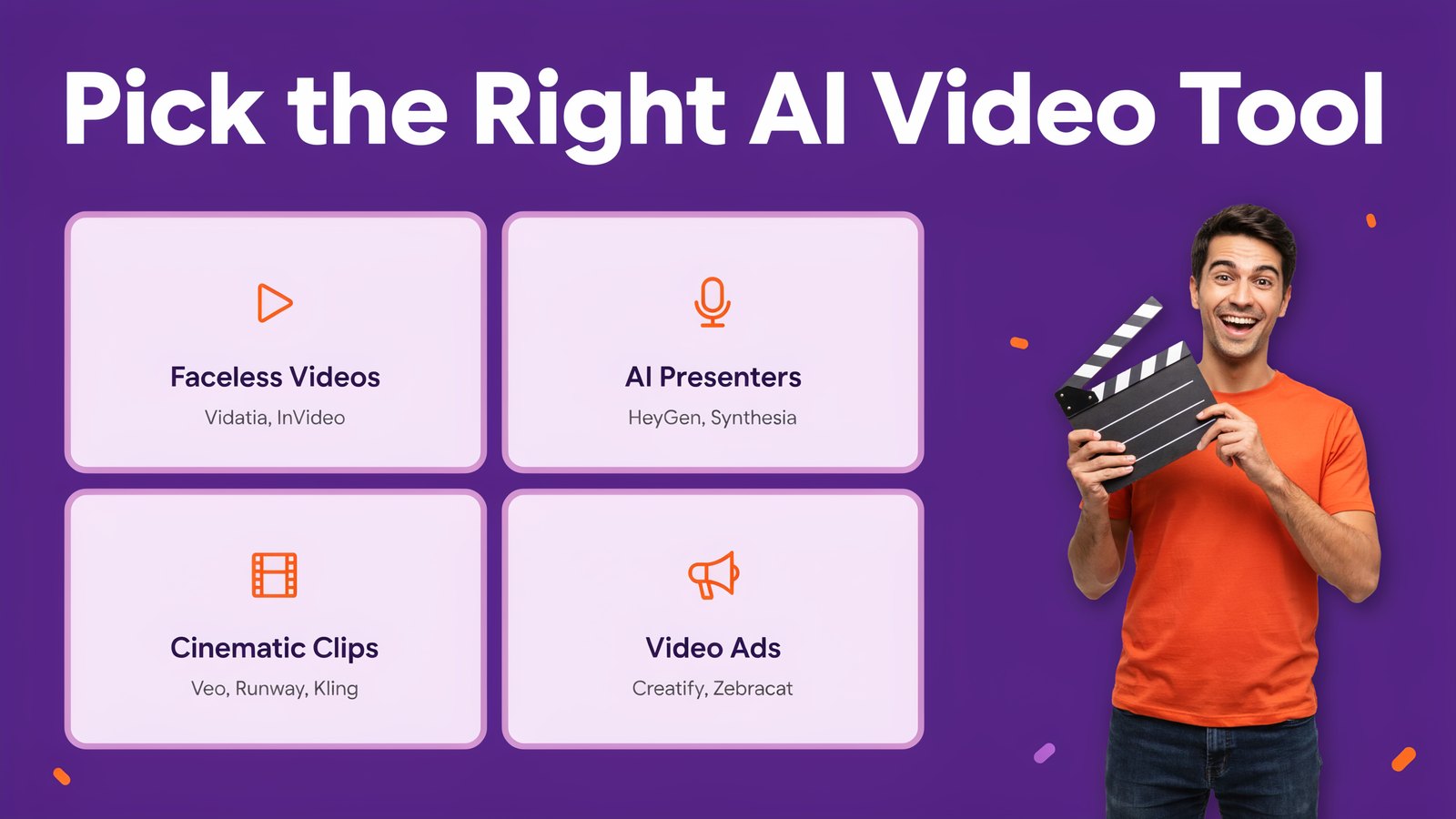
Short on time? Here's every tool side by side. Prices are the lowest paid monthly plan, checked on each official site in October 2026.
| # | Tool | Starts at | Free plan | Best for |
|---|---|---|---|---|
| 1 | Vidatia | $6.99/mo or $67/yr | No, 30-day refund | Faceless videos in any style, for less |
| 2 | HeyGen | $29/mo | Yes, 3 videos a month | Talking AI presenters and your own avatar |
| 3 | Synthesia | $29/mo | Yes, 10 minutes | Business, training and sales videos |
| 4 | Google Veo in Flow | $19.99/mo | Limited | Cinematic clips with sound |
| 5 | Runway | $15/mo | Yes, 125 credits | Creative control and editing with AI |
| 6 | Kling AI | About $10/mo | Yes, daily credits | Realistic motion at a low price |
| 7 | InVideo AI | $20/mo | No | Full videos from one prompt |
| 8 | Creatify | $15/mo | Yes, 10 credits | Video ads and UGC-style ads |
| 9 | Pictory | $29/mo | 14-day trial | Turning blogs and scripts into videos |
| 10 | Zebracat | $39/mo | Yes, 5 short videos | Social videos with auto posting |
| 11 | Revid AI | $39/mo | Free credits to try | Viral short-form content |
Now let's look at each one.
What Is an AI Video Generator for Marketing?
It's a tool that turns your idea, script, blog post or product link into a finished video.
The best ones do it all. They write the script, create the visuals, animate them, add a natural voiceover and music, and put captions on top. Some use AI presenters that look and talk like real people. Others create cinematic scenes that look like they were filmed.
And because there's no camera involved, they're perfect for faceless videos. That's content where your brand, story or product is the star, not you.
What's New in AI Video This Year
AI video took another big leap in 2026.
- Video agents. Tools like Synthesia's Syren, InVideo and Pictory now plan and build a whole video from one prompt.
- Sound built in. Models like Google's Veo 3.1 create voices, sound effects and music along with the picture.
- More realistic people. HeyGen's Avatar V and Kling 4.0 make faces, hands and motion look far more natural.
- Multi-model apps. Instead of one AI, the best apps let you pick from many, so you get the right look for each video.
- Lower costs. Credits that cost dollars a year ago now cost cents.
The result? Small businesses can now make the kind of videos that only big brands could afford before.
How to Choose the Right AI Video Generator
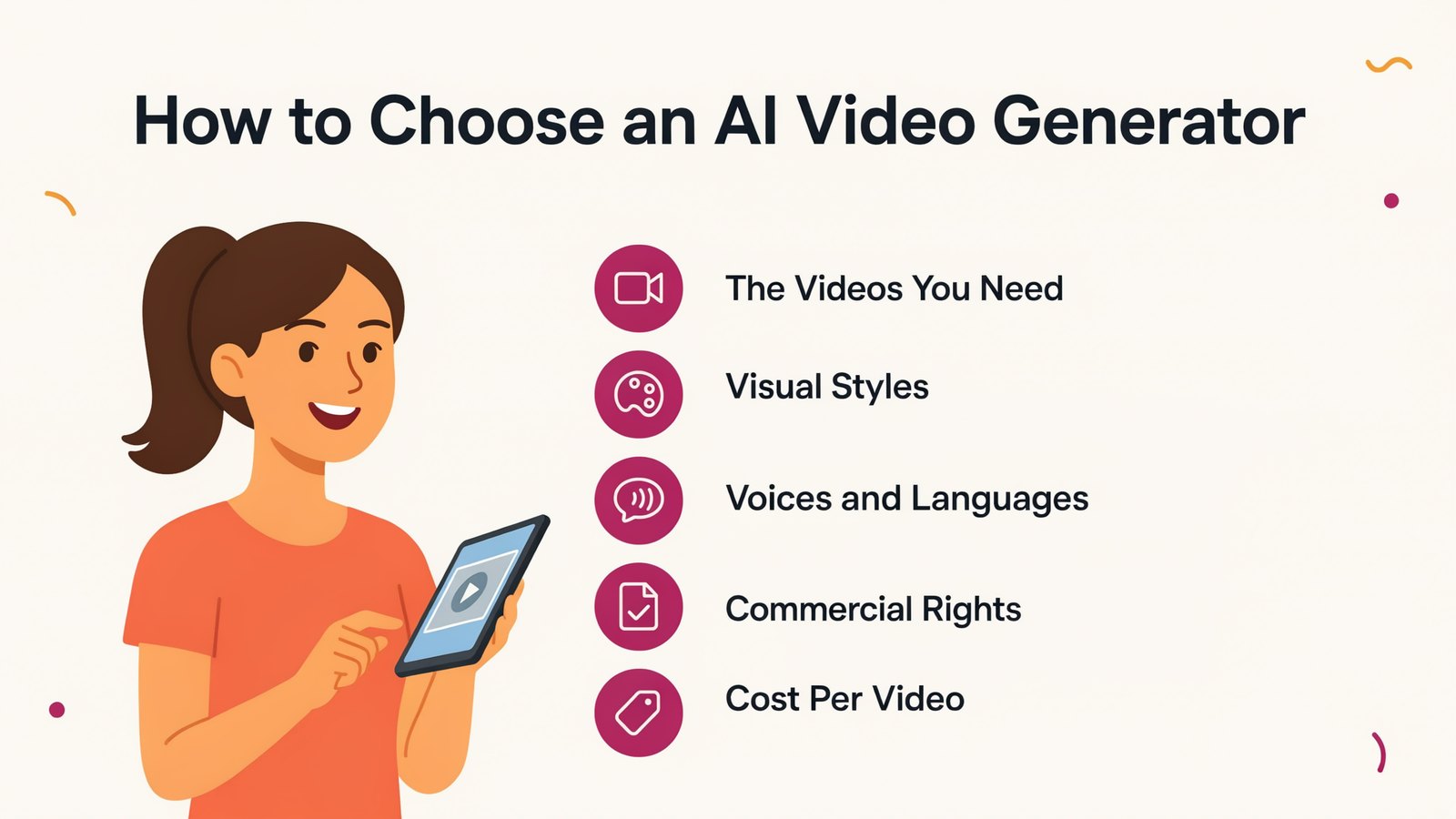
Before you pick, ask yourself five simple questions.
- What videos do you need? Ads, Shorts, long YouTube videos, training or product demos.
- Which visual styles? Realistic, 3D, cartoon, illustration or a talking presenter.
- Which voices and languages? Check that the voices sound natural in your market's language.
- Can you use it commercially? Free plans often add a watermark or limit commercial use.
- What does each video really cost? Credits disappear fast with premium models.
Keep those in mind as you read the list.
1. Vidatia
Vidatia is our own AI video creator, and it's built for one thing. Turning an idea into a finished, great-looking video with almost no effort.
You pick a topic and a visual style, and Vidatia does the rest. It writes the script, plans the scenes, creates the visuals, animates them and adds narration and music. You can still change anything you like before you export.
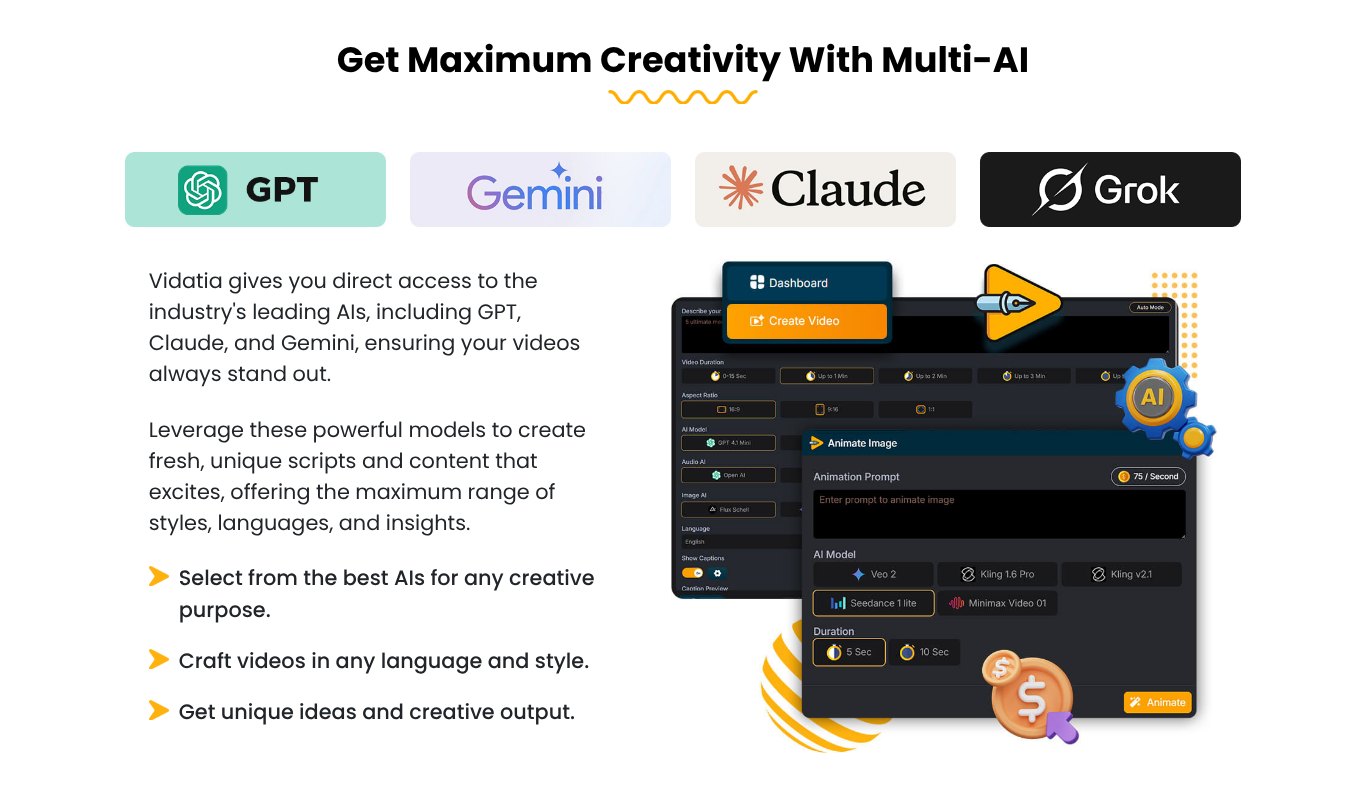
What makes it different is that it's multi-AI. Vidatia brings the leading AIs into one app, including GPT, Claude, Gemini and Grok for writing, and top video models like Veo, Kling and Seedance for animation.
- Any kind of video. Faceless narration videos, Shorts, Reels and TikToks, long YouTube videos, ads and commercials, tutorials and children's stories.
- Any visual style. Realistic live action, 3D animation, cartoon, illustration, line art and dozens more.
- Human-like voices from OpenAI, hundreds more through ElevenLabs, or your own cloned voice.
- Any language, so you can reach local markets around the world.
- Every format. Landscape for YouTube, portrait for Shorts and Reels, and square for Instagram and Facebook ads.
- Fast results. Vidatia is a desktop app for Windows and Mac, so there are no long rendering queues.
Pricing
$6.99 a month, or $67 for a whole year, with a 30-day refund guarantee. You get 20,000 welcome credits and can create up to 45 videos a month.
Pros
- Several top AI models in one app
- Any style, any language, any format
- Full control to edit scripts and scenes
- A fraction of the price of most tools on this list
Cons
- A desktop app, so you install it rather than use a browser
- No free plan, though the refund guarantee lets you try it safely
2. HeyGen
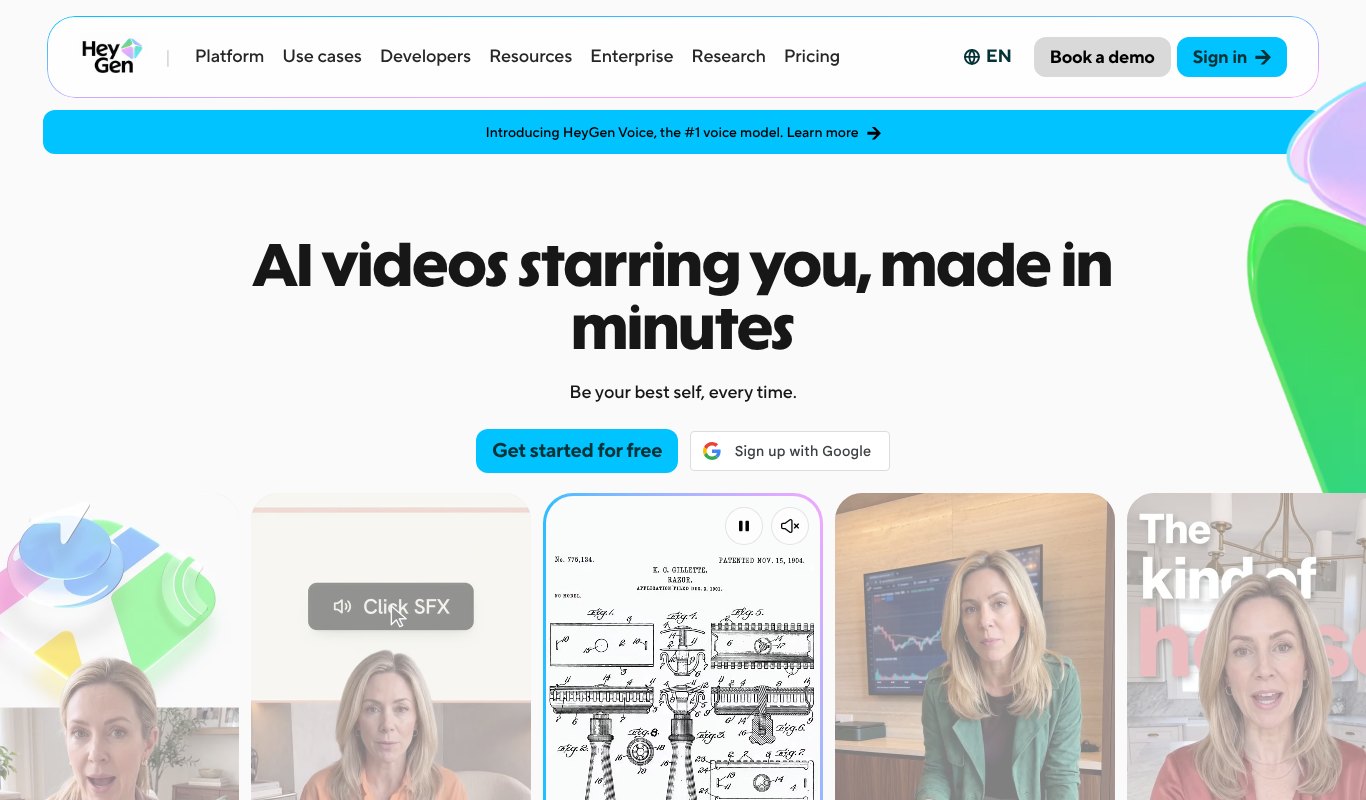
HeyGen is the leader in talking AI presenters.
You can pick from hundreds of stock avatars or create a digital twin of yourself, then have it present your script in over 30 languages. The new Avatar V looks strikingly real, and HeyGen now adds AI video models like Veo for b-roll.
Pricing
Free plan with 3 short watermarked videos a month. Creator is $29 a month, or $24 paid yearly. Pro starts at $49.
Pros
- Very realistic avatars
- Great for personal brand videos without filming
- Strong translation and lip sync
Cons
- Best features sit on the Pro plan
- Credits go fast on long videos
3. Synthesia
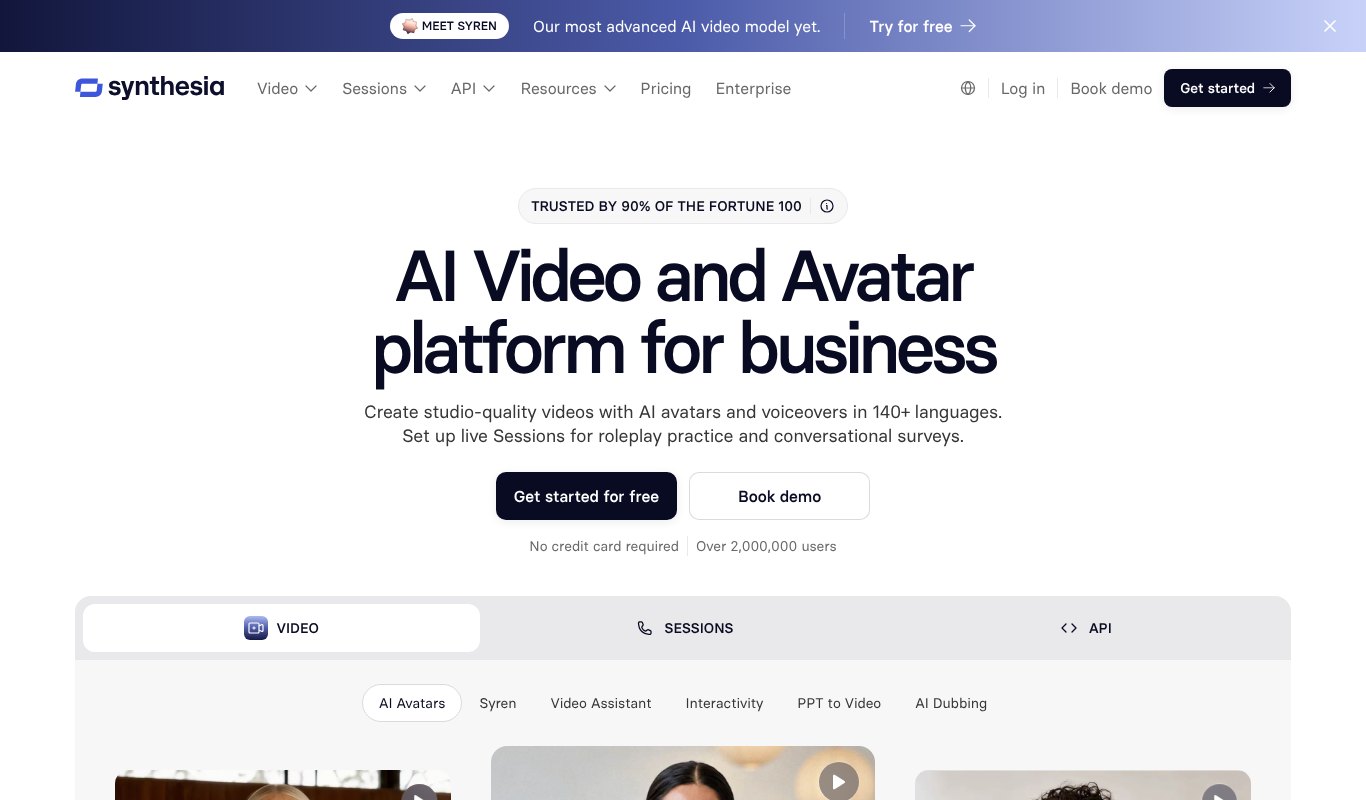
Synthesia is the favorite of big companies for training, onboarding and sales videos.
It offers polished AI avatars and voiceovers in 140+ languages. Its new video agent, Syren, turns a single prompt into a full video, and you can add clickable buttons, quizzes and branching paths.
Pricing
Free plan with 10 minutes of video. Starter is $29 a month, or $18 paid yearly. Pro is $89.
Pros
- Professional, trustworthy look
- Huge language support
- Interactive videos
Cons
- Feels corporate for social content
- Higher cost for heavy use
4. Google Veo in Flow
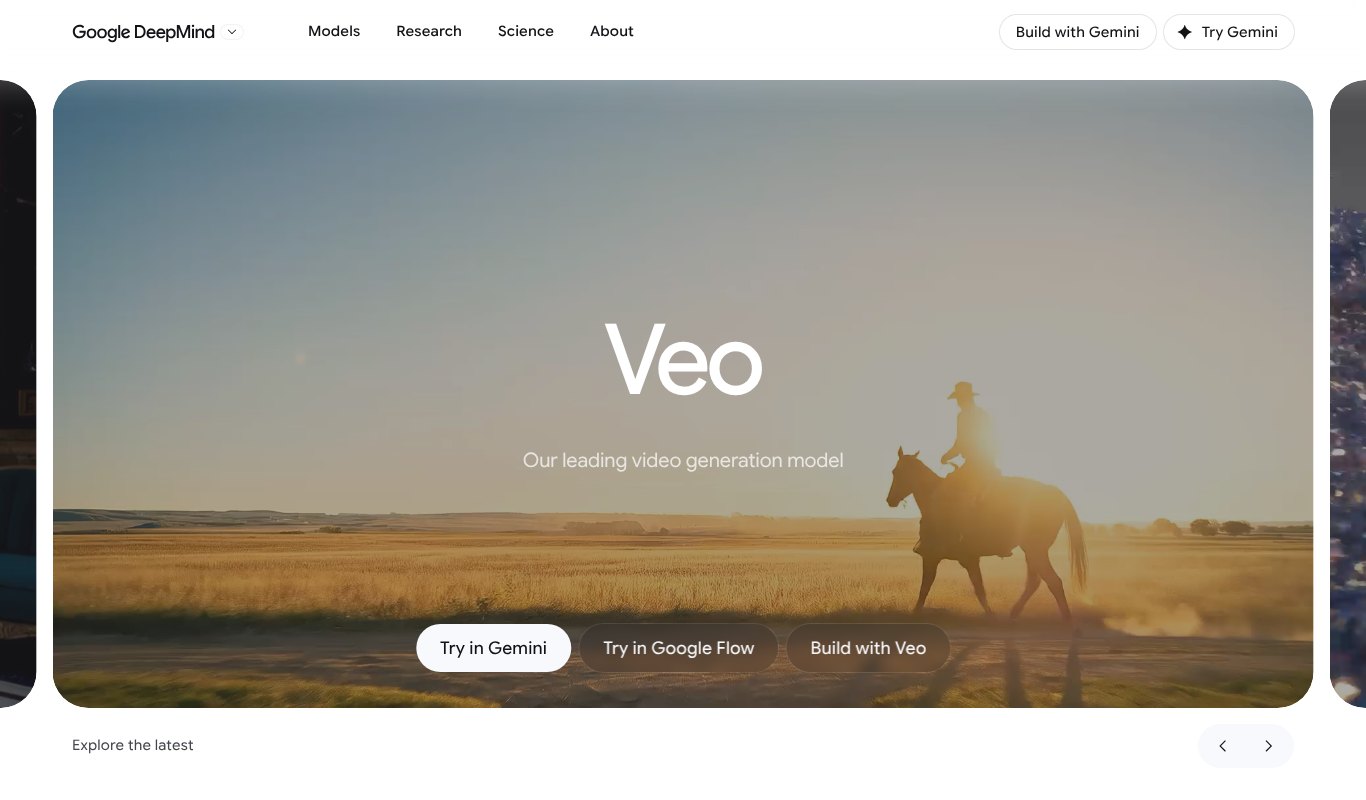
Veo is Google's video model, and you can use it in Gemini or in Flow, Google's AI filmmaking app.
Veo 3.1 creates cinematic clips with sound, so characters talk and scenes have real audio. Flow lets you keep characters consistent from shot to shot and stitch clips into longer scenes. It's ideal for eye-catching ads and brand films.
Pricing
Limited free use. Full access comes with Google AI Pro at $19.99 a month, with Ultra plans above that.
Pros
- Stunning, film-like quality
- Sound and dialogue built in
- Great value inside Google AI Pro
Cons
- Makes clips, not finished marketing videos
- Monthly credits run out quickly
5. Runway
Runway is a creative studio for people who want control.
Its Gen-4.5 model turns text and images into video, and Aleph can edit existing footage, like changing the weather, the angle or the style of a shot. Runway also gives you other top models, like Kling and Seedance, in the same app.
Pricing
Free with 125 one-time credits. Standard is $15 a month, or $12 paid yearly. Pro is $35.
Pros
- Powerful editing of real footage
- Many top models in one place
- Loved by creative teams
Cons
- Takes time to master
- Credits go fast
6. Kling AI
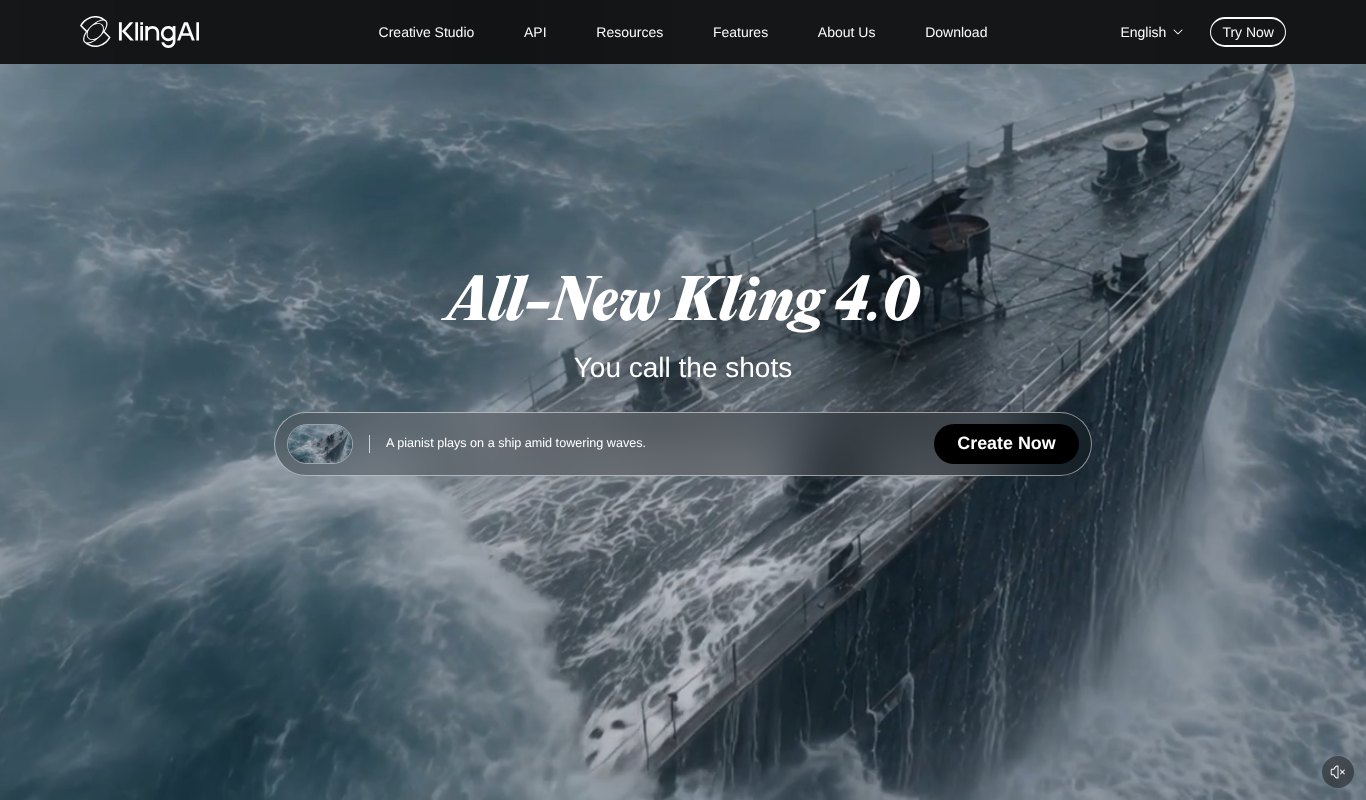
Kling is famous for realistic motion at a low price.
The all-new Kling 4.0 makes people, animals and products move naturally, and you can guide shots with images and camera moves. It's a great pick for product shots and short ads that need to look real.
Pricing
Free daily credits. Standard is about $10 a month, with bigger plans above.
Pros
- Very natural motion
- Low starting price
- Strong image-to-video
Cons
- Clips only, so you edit them together yourself
- Generations can be slow at busy times
7. InVideo AI
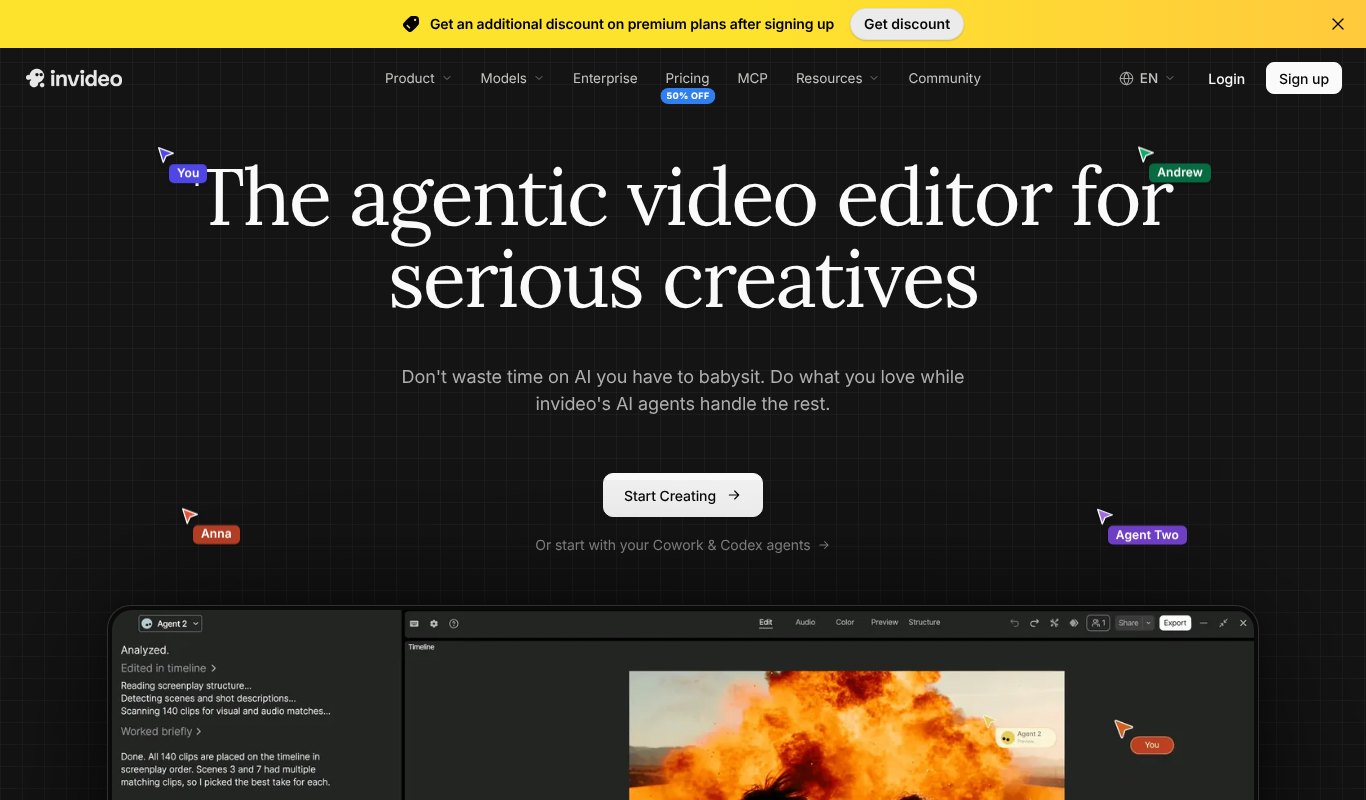
InVideo AI makes complete videos from one prompt.
Its AI agents write the script, choose footage or generate clips, add a voiceover and edit everything together. You can then change things by just typing, like "make the intro shorter" or "use a female voice".
Pricing
Starter is $20 a month, or $10 paid yearly. Plus is $60 a month.
Pros
- Finished videos, not just clips
- Edit by chatting
- Good for YouTube and explainers
Cons
- Starter doesn't include the newest video models
- Stock-footage videos can look generic
8. Creatify
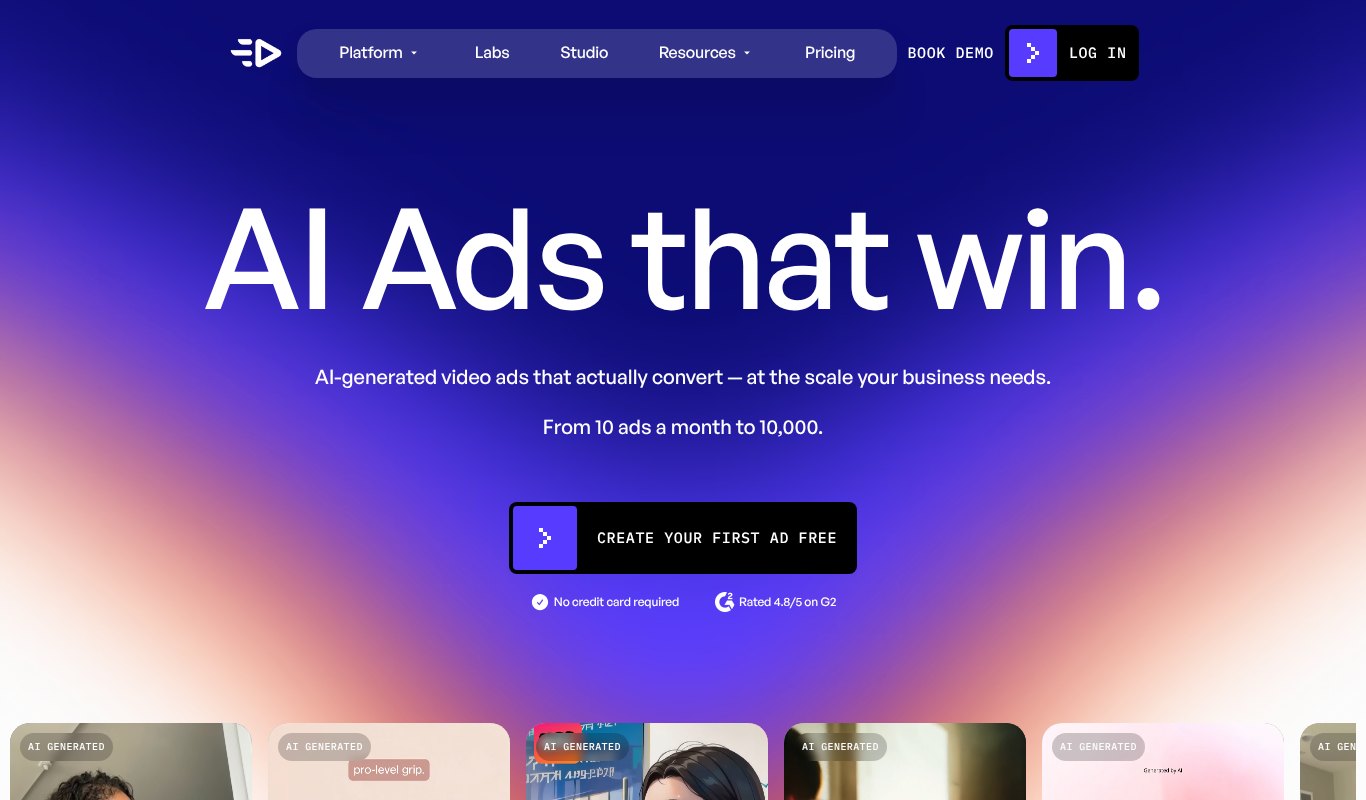
Creatify is built for one job. Video ads.
Paste a product link and it creates ready-to-run ads with AI actors, including the popular UGC style that looks like a real customer review. Higher plans add an Ad Agent and a tracker that shows what competitors are running.
Pricing
Free plan with 10 credits a month. Standard is $15 a month, or $10 paid yearly. Pro is $55.
Pros
- Made for ads from start to finish
- Hundreds of AI actors
- Great for testing many ad versions
Cons
- Not meant for long videos
- Best tools are on Pro
9. Pictory
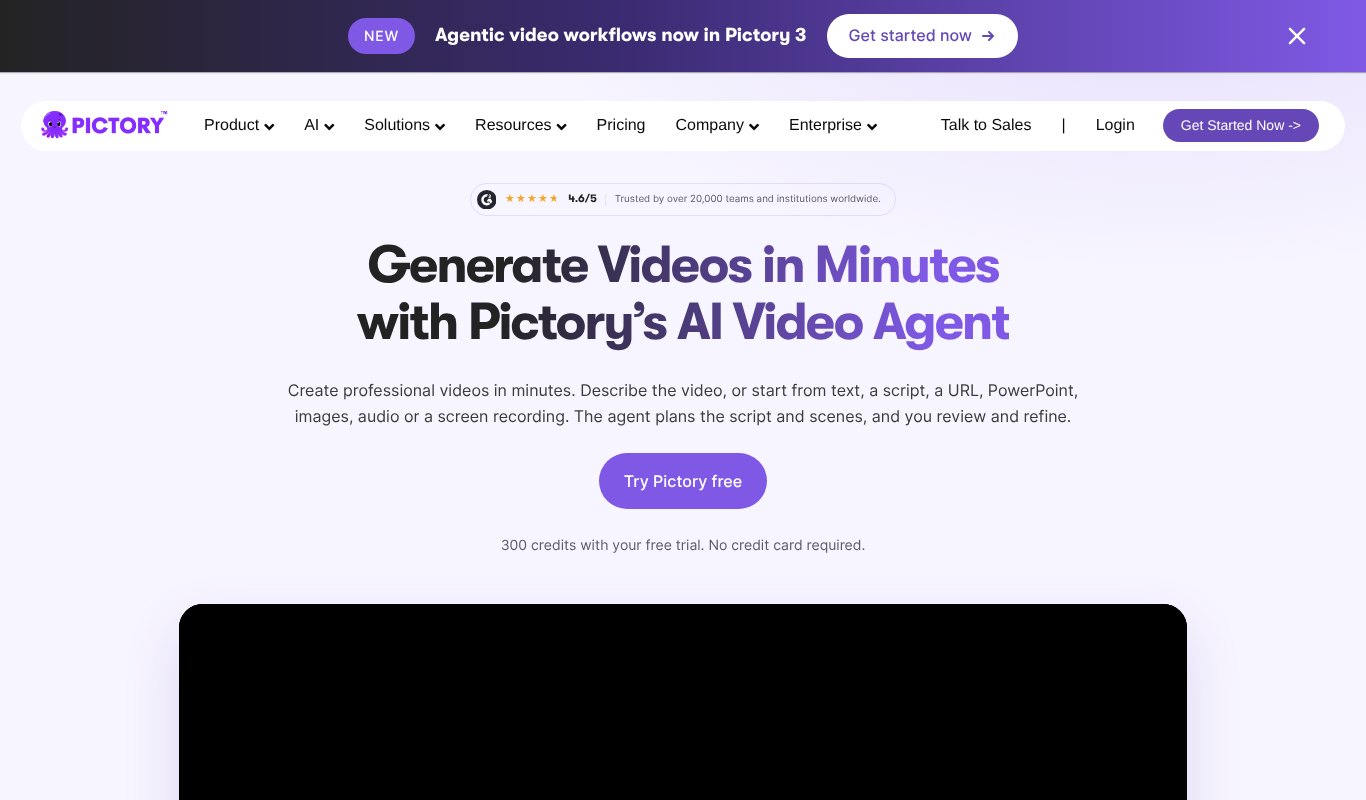
Pictory is great at turning content you already have into video.
Give it a blog post, a script, a URL, slides or a recording, and its AI agent plans the scenes, adds visuals, voice and captions, and lets you review it all. It's a favorite of bloggers and course creators.
Pricing
14-day free trial. Starter is $29 a month, or $25 paid yearly. Professional is $59.
Pros
- Repurposes blogs and slides easily
- Simple to use
- Brand kits for a consistent look
Cons
- Mostly stock visuals
- Minutes are limited on Starter
10. Zebracat
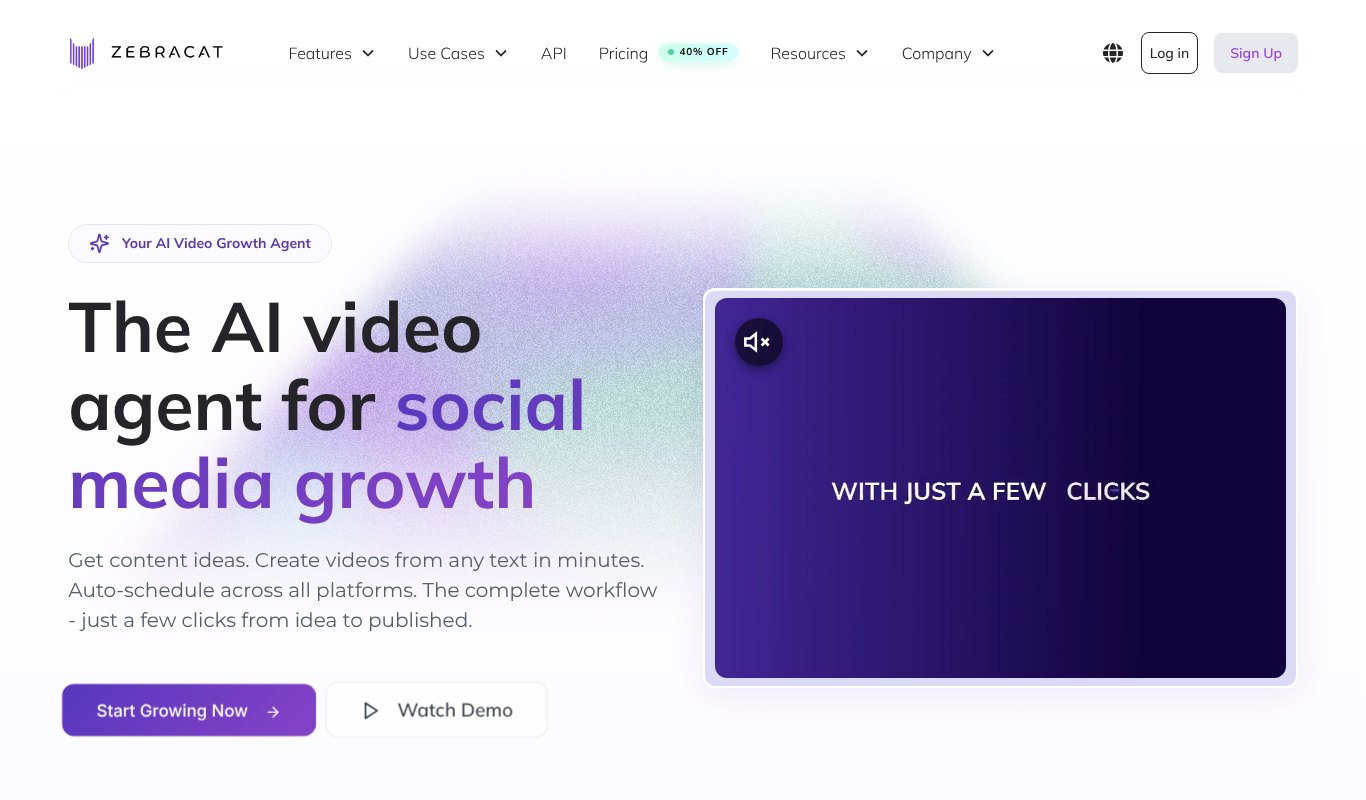
Zebracat is an AI video agent for social media.
It suggests content ideas, creates videos from text, adds AI voices in 170+ languages, and schedules your posts across platforms. It's handy if you want a steady stream of short videos without a team.
Pricing
Free for 5 short videos. Cat Mode is $39 a month, or $23 paid yearly.
Pros
- From idea to posted video
- Lots of languages
- Good yearly discount
Cons
- Video limits on cheaper plans
- Pricey on monthly billing
11. Revid AI
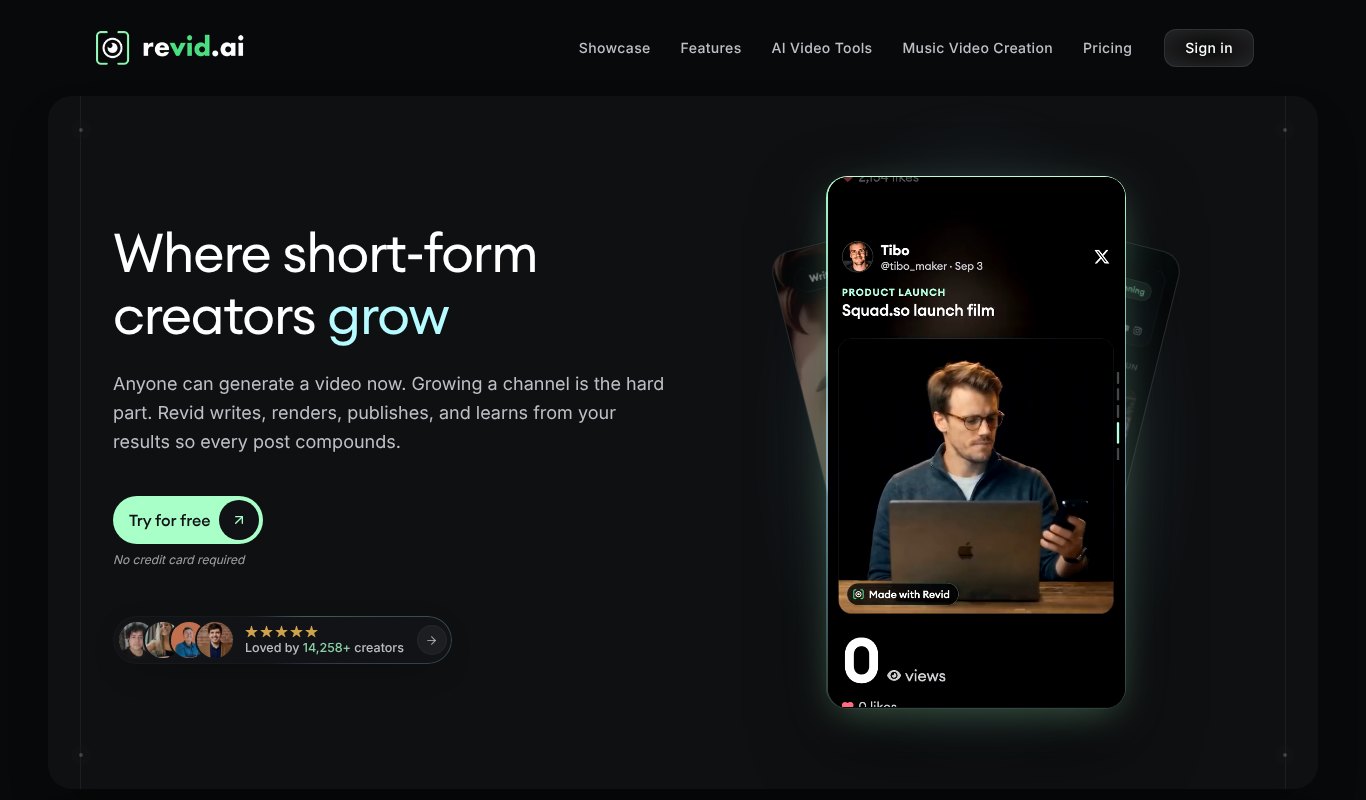
Revid AI is built for short-form creators who want to go viral.
It can write, render and publish videos for you, and it lets you remix ideas from millions of viral videos. Its Auto Mode keeps posting to TikTok, Instagram, YouTube and X, then learns from what works.
Pricing
Free credits to try. Growth is $39 a month, or $32 paid yearly.
Pros
- Strong viral research tools
- Auto posting to major platforms
- Voiceovers in 70+ languages
Cons
- Focused on short videos
- Credits reset each month
Price Comparison at a Glance
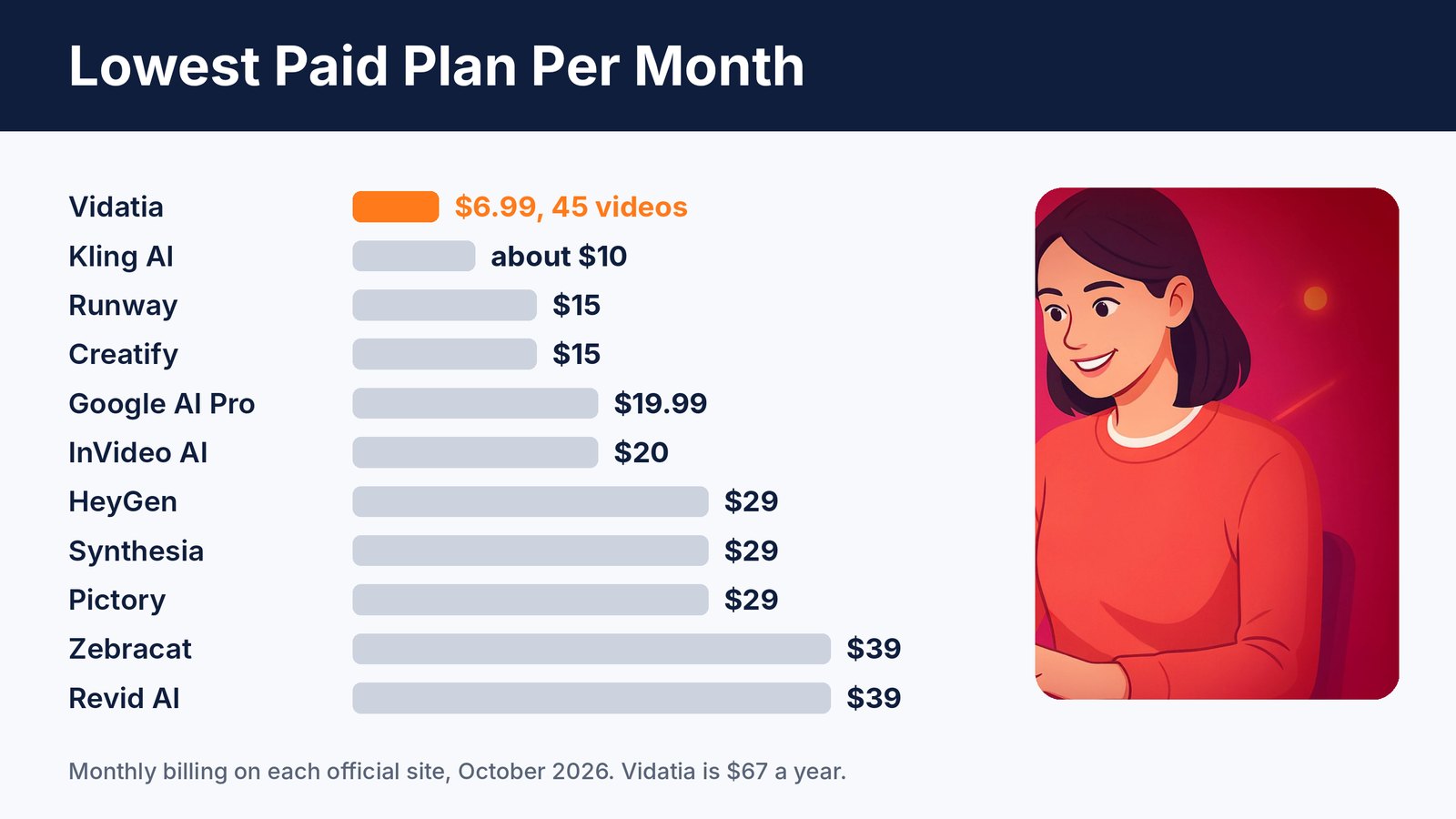
Most AI video tools cost $15 to $40 a month for their cheapest plan, and the good stuff often sits higher.
Watch the credits too. A cheap plan that only makes a few videos can cost more per video than a plan that looks pricier.
7 Tips for AI Marketing Videos That Sell
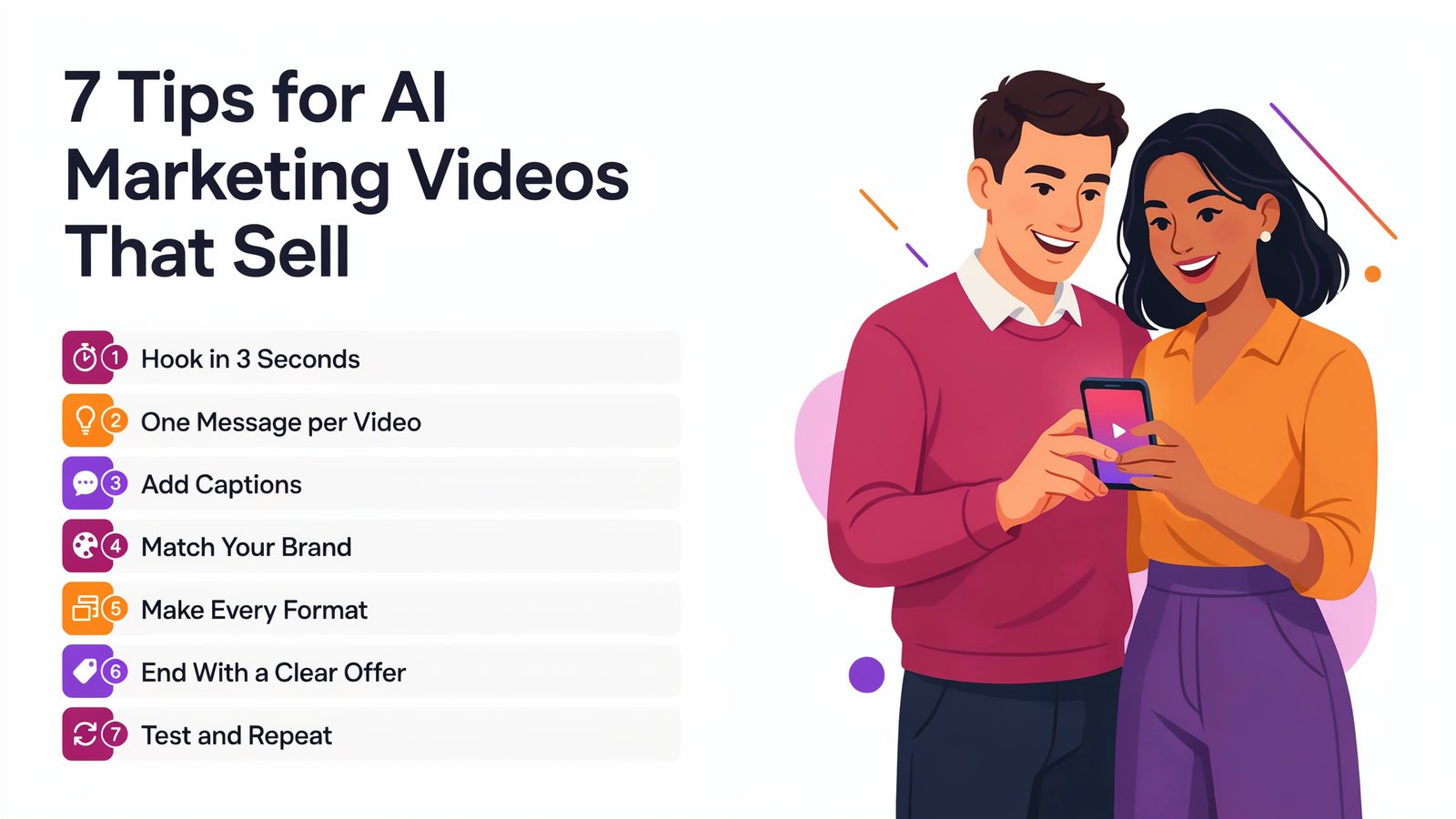
Great tools help. But the message still does the selling.
- Hook in 3 seconds. Open with a bold claim, a question or a surprising visual.
- One message per video. Say one thing clearly instead of five things weakly.
- Add captions. Most people watch social videos with the sound off.
- Match your brand. Use the same colors, fonts and voice in every video.
- Make every format. Turn one idea into a long video, a Short and a square ad.
- End with a clear offer. Tell viewers exactly what to do next.
- Test and repeat. Try a few versions, keep the winner and make more like it.
Frequently Asked Questions
What is the best AI video generator for marketing?
It depends on your videos. HeyGen and Synthesia are best for AI presenters, Veo, Runway and Kling for cinematic clips, and Creatify for ads. For faceless videos in any style at the lowest price, Vidatia is hard to beat.
Can I make faceless YouTube videos with AI?
Yes. Tools like Vidatia, InVideo AI and Pictory create narration videos with visuals, voiceover and captions, so you never need to appear on camera.
Can I use AI videos in ads?
Yes, on paid plans that include commercial rights. Check each tool's terms, avoid using real people's faces or voices without permission, and follow each ad platform's AI disclosure rules.
Are AI videos good enough to replace filming?
For many marketing videos, yes. Explainers, product promos, social clips and training videos can now be made fully with AI. For personal stories, real footage of you still builds the most trust.
Final Thoughts
AI video has gone from a fun experiment to a real marketing tool. Today, anyone can make videos that look professional, in any style and any language.
Start with the videos you need most, pick one tool and make your first video this week.
If you want faceless videos in any style, powered by the best AIs, for less than the price of a lunch, try Vidatia.