Making a video used to need a camera, a crew, an editor and a lot of patience. Even a simple one-minute explainer could take days.
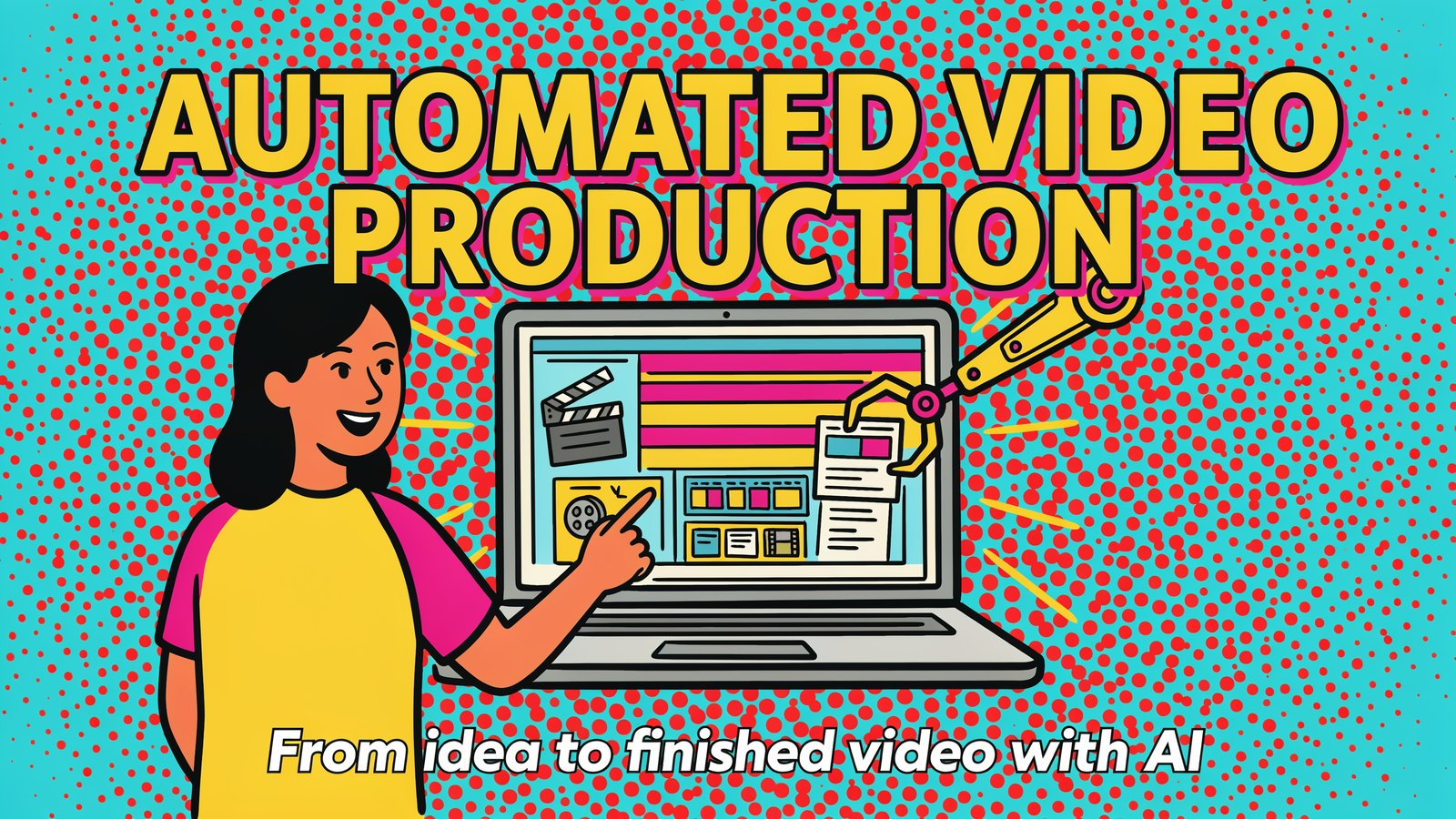
Automated video production changes that. You describe what you want, and AI writes the script, plans the scenes, creates the visuals, adds a voice and music, and hands you a finished video.
It's not perfect for every job. But for marketing videos, explainers, social clips and ads, it has become fast, cheap and surprisingly good.
This guide explains what automated video production is, how it works, what it costs in 2027 and how you can make your first video today.
What Is Automated Video Production?
Automated video production means using software, mostly AI, to handle the steps of making a video that people used to do by hand.
Instead of filming, you start with an idea or a script. The software turns it into scenes, finds or generates the visuals, adds narration, music and captions, and edits it all together.
Some tools automate just one step, like adding captions. Others, like Vidatia, automate the whole journey from idea to finished video.
How Automated Video Production Works
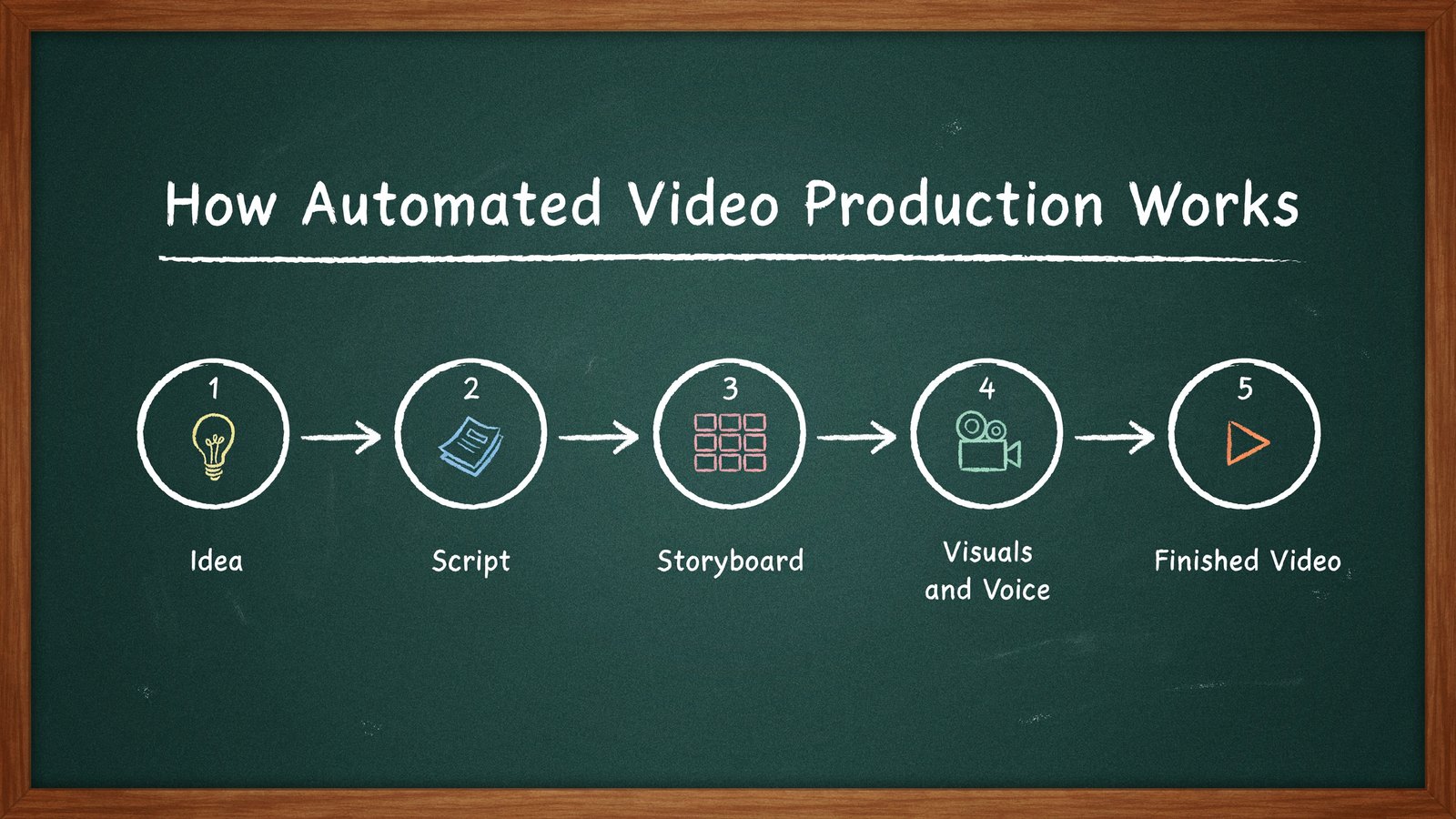
Most AI video tools follow the same basic flow.
- Idea. You type a topic, a product, a blog link or a few lines about what the video should say.
- Script. AI writes a script with a hook, main points and a call to action. You can edit it.
- Storyboard. The script is split into scenes, each with a planned visual.
- Visuals and voice. AI generates or finds images and clips, then adds a voiceover, music and captions.
- Finished video. Everything is put together. You review, tweak and export.
The best part is that you can step in at any stage. Change a line of the script, swap a scene or pick a different voice, then let the tool rebuild the rest.
Why Businesses Are Switching to Automated Video
Video is still the most engaging content on almost every platform. The problem has always been the cost and time to make it. Automation fixes both.
- Speed. Make a video in minutes instead of days.
- Cost. Skip cameras, studios, actors and editors.
- Volume. Create a video for every product, post or ad, not just a few big ones.
- Consistency. Keep the same style and voice across all your videos.
- Languages. Make the same video in many languages to reach new markets.
- Testing. Try several versions of an ad and keep the winner.
For small businesses, this is the real shift. Video is no longer something only big brands can afford.
What You Can Make With It
- Social media shorts and reels for TikTok, Instagram and YouTube Shorts.
- Long YouTube videos such as explainers, list videos and stories.
- Video ads for Facebook, Instagram and YouTube.
- Product videos that show features and benefits.
- Training and how-to videos for customers and staff.
- Blog-to-video versions of your articles.
Start With Vidatia
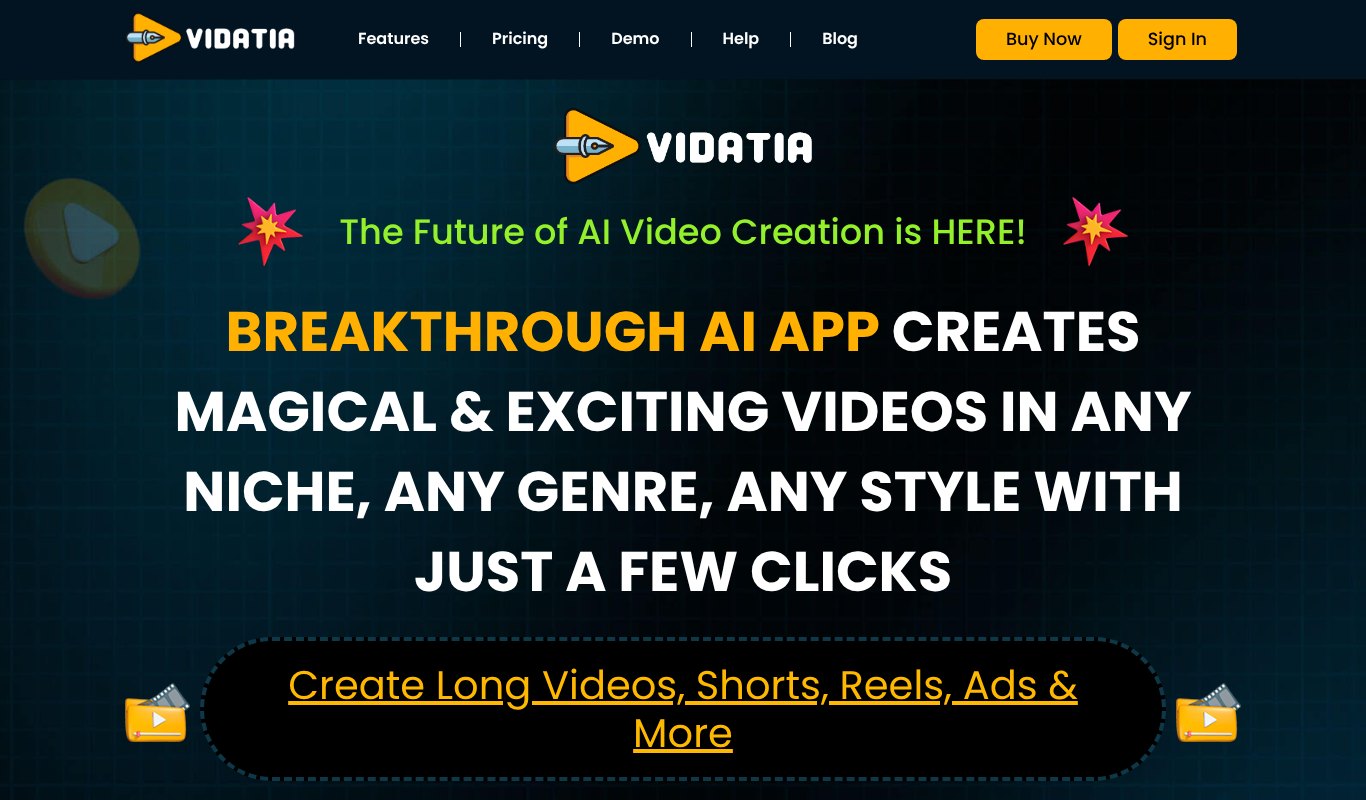
Vidatia is an AI video generator that handles the whole automated video production process for you. You give it an idea, and it creates the script, the storyboard, the visuals and the animation.
It makes long videos, shorts, reels and ads, so one tool covers all your channels. You can choose from many visual styles, including realistic, 3D, line art and cartoon, to match your brand or your audience.
Vidatia works in any language. It adds an AI voiceover and gives you a music library, so your video sounds finished, not robotic. Everything stays fully editable. You can change the script, the scenes, the length and the tone until it feels right.
Vidatia costs $5.58 a month, paid yearly ($67 a year), or $6.99 month to month, with a 30 day refund. That's a small fraction of what a single freelance video usually costs.
Other Automated Video Tools Worth Knowing
Vidatia isn't the only option. Here are three well-known tools and what each one is best at.
Synthesia
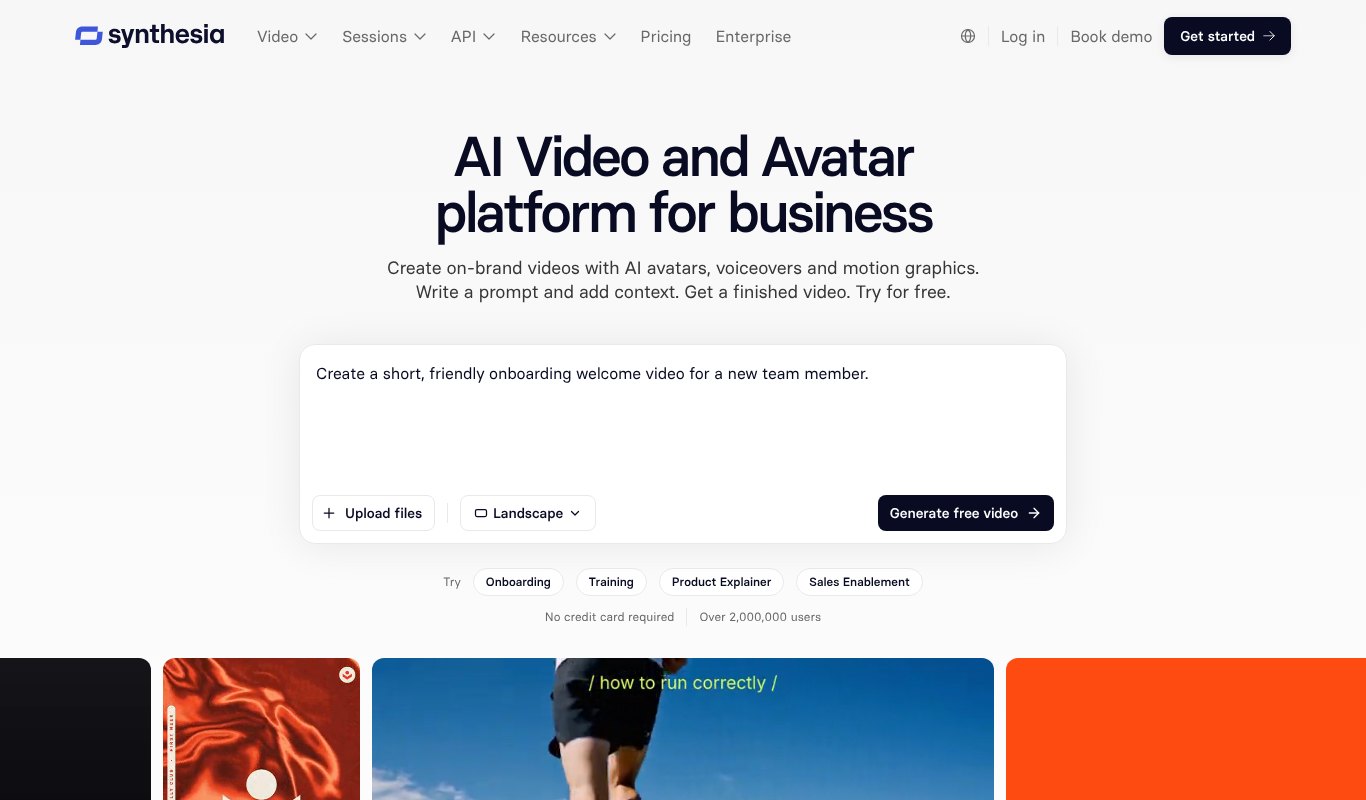
Synthesia is known for AI avatars, realistic presenters who read your script on screen. It's popular for training videos and corporate communication. According to Synthesia's pricing page, there is a free allowance, and paid plans start at $14 a month billed yearly.
Pictory
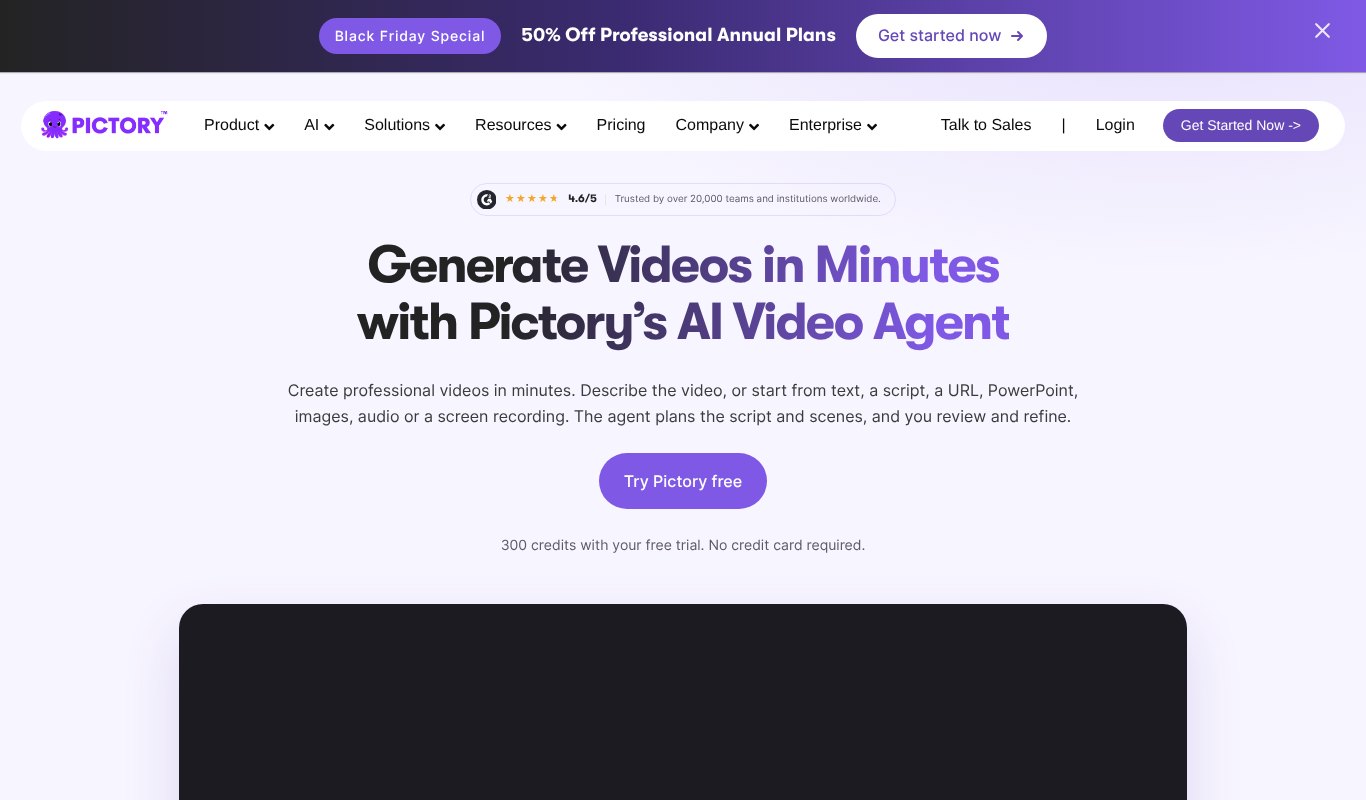
Pictory turns scripts, blog posts and long videos into short, shareable clips using stock footage. It's a solid choice for repurposing existing content. Plans start at $25 a month billed yearly, or $29 month to month.
Lumen5
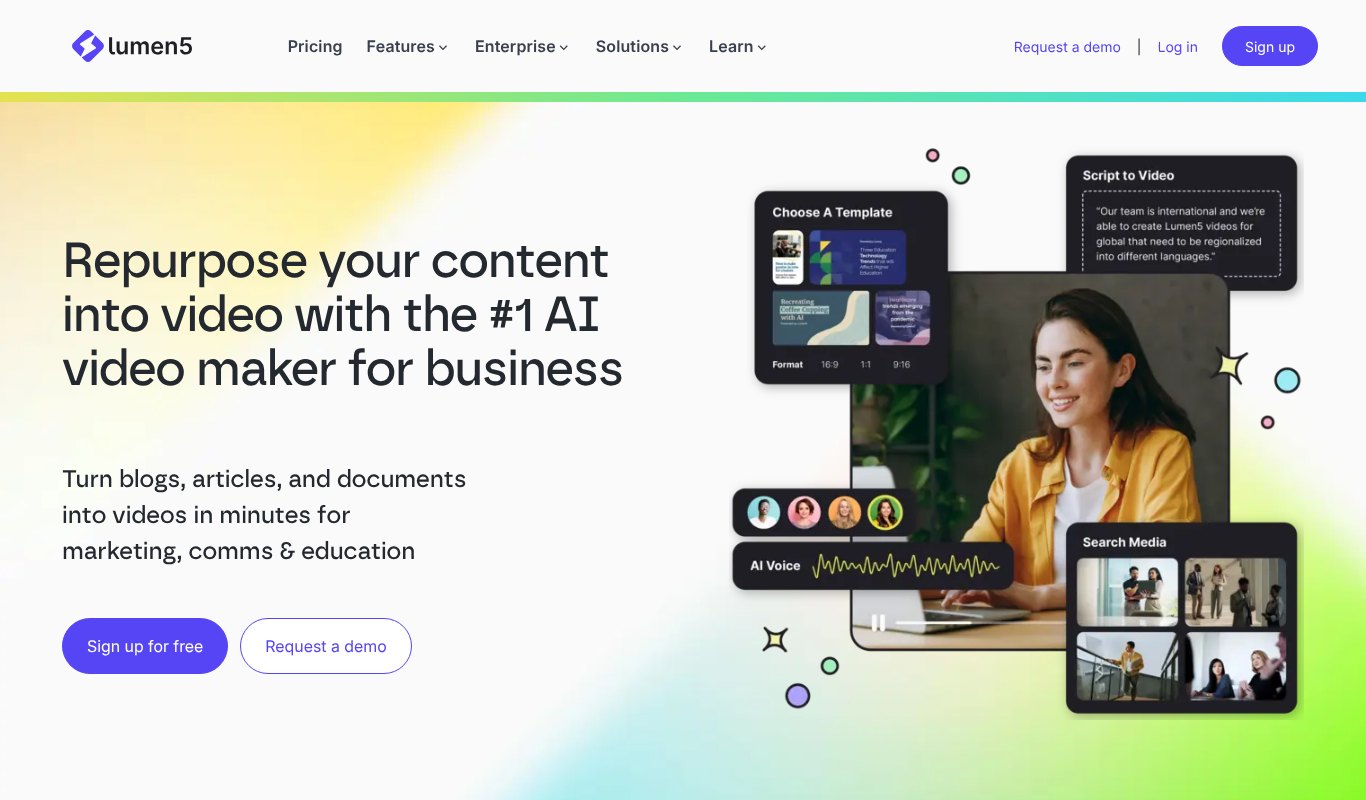
Lumen5 is built for marketing teams who want to turn articles into branded social videos. It has a free plan, and paid plans start at $19 a month.
For a longer comparison, see our list of the best AI video generators for marketing.
Automated vs Traditional Video Production
| Automated (AI) | Traditional | |
|---|---|---|
| Time per video | Minutes to an hour | Days to weeks |
| Typical cost | A low monthly subscription | Hundreds to thousands per video |
| Skills needed | Typing and basic judgment | Filming, lighting, editing |
| Changes | Edit and rebuild in minutes | Reshoots or long re-edits |
| Best for | Marketing, social, explainers, ads | Brand films, live events, real people |
Traditional production still wins when you need real people, real places or a big brand film. For everyday content, automation is usually the smarter choice.
How to Make Your First Automated Video, Step by Step
- Pick one goal. Do you want views, clicks, signups or sales? One video, one goal.
- Choose the format. A 30 second short, a 2 minute explainer or a 10 minute YouTube video.
- Write a one-line idea. For example, "5 quick tips to keep houseplants alive in winter."
- Generate the script. Let the AI draft it, then cut anything that doesn't serve your goal.
- Pick a style and voice. Match your audience. Cartoon for fun topics, realistic for business.
- Review the scenes. Swap any visual that feels off, and check that text on screen is correct.
- Add a clear call to action. Tell viewers what to do next, like visit your site or follow.
- Export and publish. Then watch your numbers and make the next one better.
Learn More About Making AI Videos
If you'd like to see the wider world of AI video, this beginner-friendly video by Youri van Hofwegen walks through how to start making AI videos.
Tips for Better AI Videos
- Hook fast. The first three seconds decide if people keep watching.
- Keep scripts short. Spoken scripts should be shorter and simpler than written ones.
- Use captions. Many people watch with the sound off.
- Stay on brand. Use the same style, colors and voice across your videos.
- Make versions. Turn one long video into several shorts for social media.
- Check the facts. AI can make mistakes, so review every number and claim.
Limits to Keep in Mind
Automated video production is powerful, but it has limits. AI visuals can sometimes look odd, especially hands, faces or text on screen. Voices are good but may not match the emotion of a real actor.
There are also rules to follow. Don't use AI to fake real people, and check the license terms for anything you publish commercially. A quick human review before publishing solves most problems.
Platforms are also changing what they reward. Longer videos are coming back on social media, as we covered in our post on Instagram's 90-minute videos. Tools that can make both short and long videos give you room to adapt.
Real Examples by Business Type
Automated video works differently depending on what you sell. Here are a few simple ways different businesses use it.
A local bakery can turn its weekly specials into a short reel every Monday. Type the specials, pick a warm cartoon style, add upbeat music and post it to Instagram and Facebook. What once took an afternoon now takes ten minutes.
An online store can make a short product video for every item in its catalog. Each one shows the product, explains the main benefit and ends with a link to buy. Product pages with video often keep shoppers on the page longer, which helps sales.
A coach or consultant can turn blog posts and newsletter tips into a steady stream of YouTube videos and shorts. The same idea reaches people who read and people who watch, without writing anything new.
A software company can create quick feature explainers and onboarding videos for new users. When the product changes, the video can be updated by editing the script instead of filming again.
An agency can offer video to clients who never had the budget before. Because each video takes minutes, the agency can deliver more for less and still keep a healthy margin.
How to Write an Idea That Gets a Good Video
The quality of your video depends a lot on what you type at the start. A vague idea gives you a vague video. A clear idea gives you a focused one.
Start with who the video is for. "Small business owners who have never run ads" is much better than "everyone." Then say what they should learn or feel by the end.
Next, give the format and length. A 30 second reel needs one point. A five minute explainer can hold three to five. Telling the tool the length up front keeps the script tight.
Finally, add your tone and call to action. Friendly and casual, or calm and professional? Should viewers visit your site, follow your page or book a call? A good starting idea might read like this.
"A 60 second friendly video for first-time home buyers explaining three costs people forget, ending with an invite to download our free checklist." That one sentence gives the AI almost everything it needs.
How to Measure Your Results
Making videos faster only helps if they work. Track a few simple numbers for every video you publish.
- Views and reach. How many people saw it?
- Watch time. How long did people keep watching? This shows if your hook and pacing work.
- Clicks. How many people followed your call to action?
- Comments and shares. These show whether the video struck a chord.
- Sales or signups. The number that matters most for most businesses.
Because automated videos are quick to make, you can test freely. Try two hooks for the same video, or two styles, and keep doing more of what wins. Over a few months, this small habit can make a big difference to your results.
FAQ
What is automated video production?
It's the use of software, mainly AI, to create videos with little manual work. The tool writes the script, makes the visuals, adds voice and music and edits the final video.
Is AI video good enough for business?
For social media, ads, explainers and training, yes. Many businesses already use AI videos every day. For big brand films, many still choose traditional production.
How much does automated video production cost?
Far less than traditional video. Tools like Vidatia start at $67 a year, while hiring a freelancer for a single video often costs hundreds of dollars.
Do I need editing skills?
No. If you can type an idea and pick what you like, you can make a video. Editing skills help, but they aren't required.
Can I make videos in other languages?
Yes. Vidatia works in any language, so you can make the same video for several markets.
Will AI replace video editors?
Not completely. AI takes over the repetitive work, like cutting, captioning and finding visuals. Skilled editors still matter for big projects, brand films and creative work that needs a human eye. Many editors now use AI tools to finish jobs faster and take on more clients.
How long does it take to make a video with Vidatia?
A short video can be ready in a few minutes. Longer videos take a little more time, mostly for you to review the script and scenes. Most of the waiting is the AI doing the heavy lifting while you get on with other work.
Final Thoughts
Automated video production has turned video from a big project into a daily habit. With the right tool, you can go from idea to finished video in minutes and keep your channels full without a studio or a crew.
If you want one tool that writes, designs, voices and edits your videos in any style and any language, try Vidatia. Type your idea, and let AI do the production for you.