
Want to run a YouTube channel but hate the idea of being on camera? You're not alone.
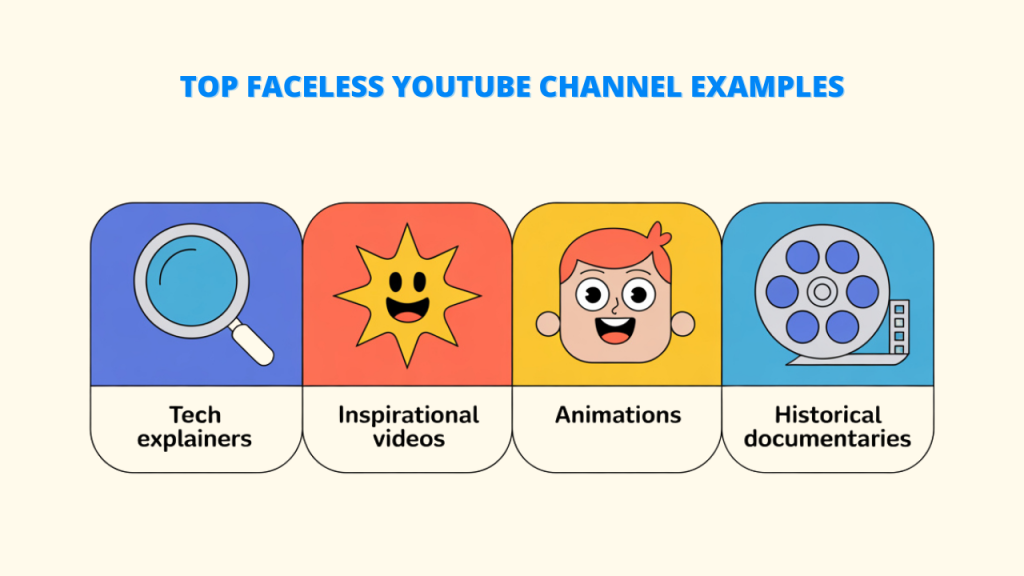
Some of the most watched channels on YouTube never show a face. History explainers. Kids' stories. Calm science videos. True crime narrations. The presenter is a voice, and the star is the story.
In this guide I'll show you how to start a faceless YouTube channel step by step, from picking a niche to publishing your first videos and thinking about money. If you're mainly comparing software, we've rounded up the top AI video generators for marketing and faceless videos in a separate post.
Let's build the channel.
What Is a Faceless YouTube Channel?
A faceless channel is one where nobody appears on camera. Videos are made from narration, animation, stock footage, screen recordings, illustrations or AI-generated visuals.
It's not a shortcut. You still need good ideas, good scripts and patience. What you skip is the camera, the lighting and the nerves.
Is a Faceless Channel Right for You?
Be honest with yourself here.
It's a great fit if you love a topic, enjoy research or writing, and want to stay private. It's also great if you want to run a channel alongside a job, since you can produce videos on your own schedule.
It's harder if your whole appeal is your personality. Vlogs, reaction videos and personal stories usually need a face.
And it takes time. Most channels grow slowly at first. If you're expecting overnight results, you'll get discouraged.
Still here? Good.
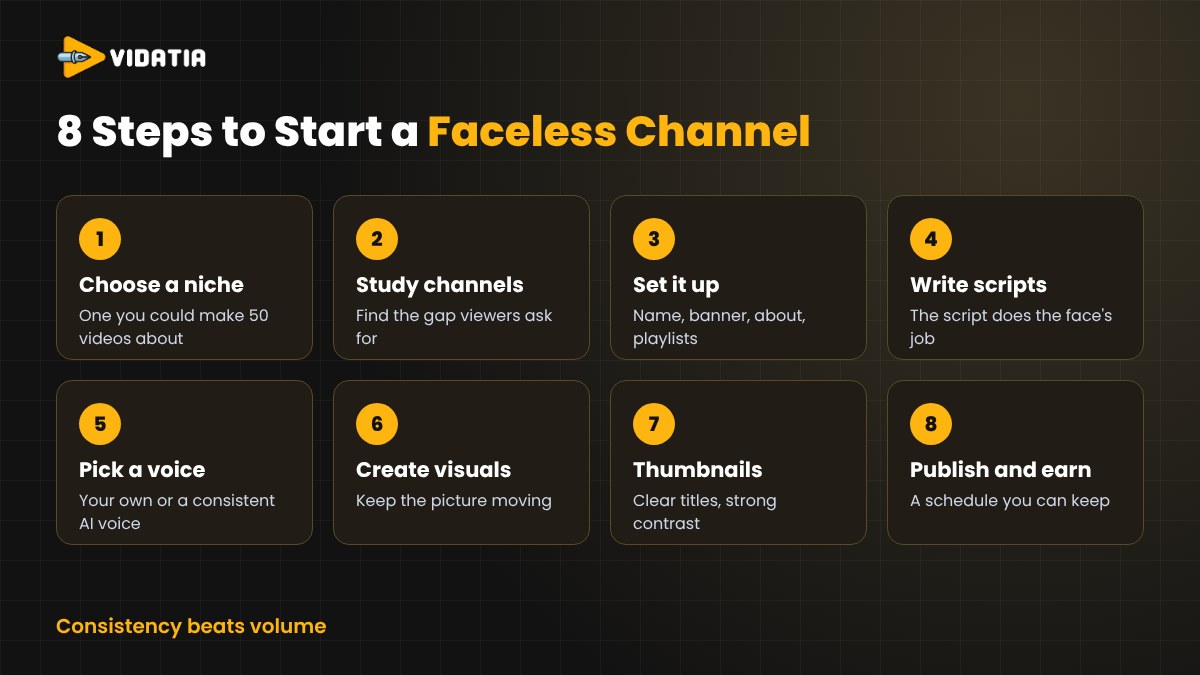
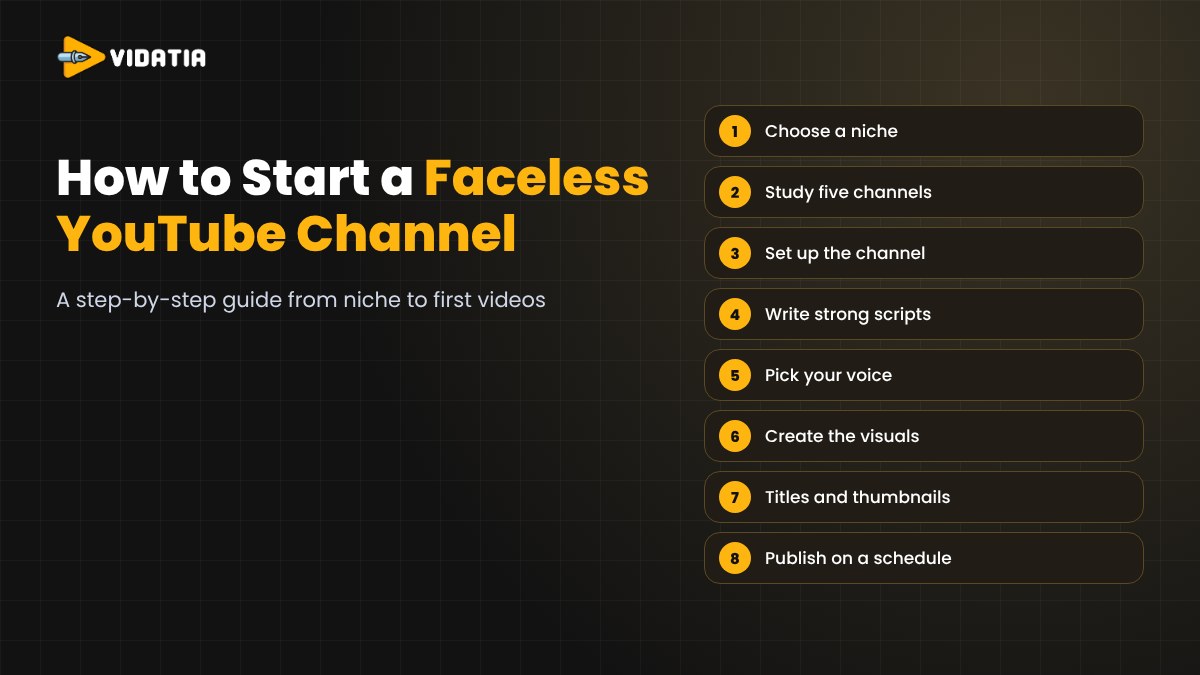
Step 1. Choose a Niche You Can Stick With
Your niche is the single biggest decision you'll make.
Pick something you could happily make fifty videos about. That's the real test. If you run out of ideas after five, it's the wrong niche.
Some niches that suit faceless videos well.
- History and "what really happened" stories
- Science and space explainers
- Personal finance basics
- Motivation and self-improvement
- Children's stories and nursery rhymes
- Mysteries, folklore and true crime
- Software tutorials and tech how-tos
To check demand, type your topic into YouTube's search bar and look at the suggestions that pop up. Those are things people actually search for.
Step 2. Study Five Channels in Your Niche
Find five faceless channels already doing well in your space.
Don't copy them. Study them. How long are their videos? What do their titles promise? What do the thumbnails look like? Which videos got far more views than the rest, and why?
Then look for the gap. What are viewers asking for in the comments that nobody's making?
That gap is your opening.
Step 3. Set Up the Channel Properly
This only takes an afternoon, but it matters.
- Name. Short, easy to spell and related to your niche.
- Logo and banner. Clean and readable on a phone.
- About section. One or two sentences on what viewers will get and how often.
- Playlists. Even with three videos, group them by topic.
A tidy channel tells new visitors you're serious.
Step 4. Write Scripts That Hold Attention
On a faceless channel, the script does the job your face would have done. It carries everything.
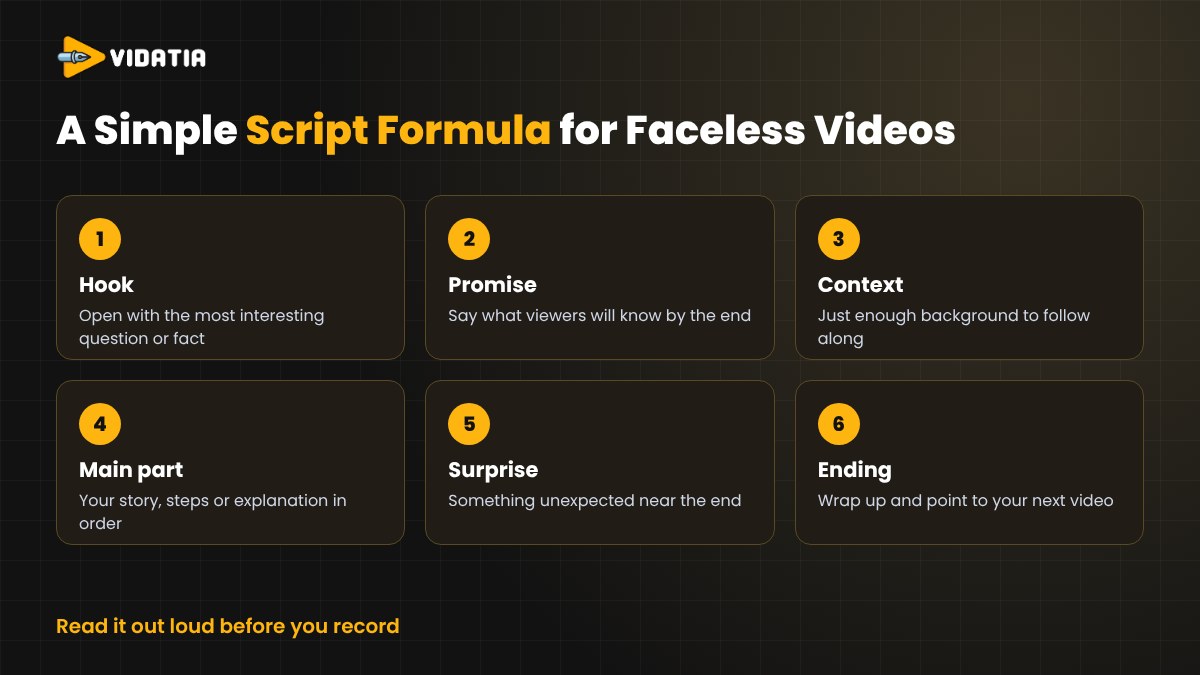
Here's a simple structure that works for most topics.
- Hook. Open with the most interesting question or fact. No long intros.
- Promise. Tell viewers what they'll know by the end.
- Context. Give just enough background to follow along.
- The main part. Your story, steps or explanation, in a clear order.
- A surprise. Something unexpected near the end keeps people watching.
- Ending. Wrap up and point to your next video.
Read it out loud before you record. If you trip over a sentence, your viewers will too.
Step 5. Pick Your Voice
You have two main options.
Your own voice. You don't have to show your face to use it. A decent USB microphone in a quiet room goes a long way, and your voice can become part of the brand.
An AI voice. Modern AI voices are clear and natural, and they let you publish in other languages. Choose one voice and stick with it, so viewers recognise your channel.
Whatever you choose, keep the pace relaxed and the volume steady.
Step 6. Create the Visuals
Faceless doesn't mean boring. The visuals have to keep moving and match what the narrator is saying.
Common options include stock footage, animation, illustrations, screen recordings and AI-generated scenes. Many successful channels pick one consistent visual style so their videos are instantly recognisable.
Change the picture often. A shot that sits still for too long is an invitation to scroll away.
Step 7. Titles and Thumbnails
Your video can be brilliant, but if nobody clicks, nobody sees it.
Write titles that make a clear promise or raise a question. Keep them readable at a glance. Thumbnails should have one clear subject, strong contrast and only a few words, if any.
Make two or three options for each video and choose the strongest.
Step 8. Publish on a Schedule You Can Keep
Consistency beats volume.
One good video a week, every week, is better than seven videos in one week and then nothing for a month. Pick a schedule you can actually keep, then keep it.
Add Shorts if you can. Cutting a short clip from each long video is an easy way to bring new viewers to your channel.
Step 9. Think About Monetization the Right Way
There are several ways faceless channels earn money. YouTube's Partner Program pays a share of ad revenue once you meet its subscriber and watch time requirements. Many creators also earn from affiliate links, sponsorships and their own digital products.
Two rules matter here.
First, YouTube doesn't reward mass-produced, repetitive videos. Check its current monetization policies and make sure every video adds real value, like research, a fresh angle or genuine storytelling.
Second, YouTube asks creators to disclose realistic content that's been altered or made with AI, when viewers could mistake it for real. Follow the rules and your channel stays safe.
How Vidatia Turns Ideas Into Faceless Videos
This whole process takes a lot of work by hand. Scripts, voice, visuals, editing. It's exactly why we built Vidatia.
Vidatia is an AI video creator for faceless and animated videos. You choose a topic, choose a visual style and get your video. The AI writes the script, plans the storyboard and creates the visuals and animation.
You can set the script's length and tone, from entertaining to educational, and change any part of the script or visuals before you finish. Audio is created with AI, and there's a music library built in.
It makes long YouTube videos, Shorts, Reels, TikToks and ads, in dozens of visual styles like 3D animation, live action, illustration and cartoon. You can create in other languages too.
It costs $6.99 a month or $67 a year.
You still bring the niche, the ideas and the judgement. Vidatia handles the production.
Final Thoughts
Starting a faceless YouTube channel is simpler than most people think, but it still takes real work.
Choose a niche you love. Study what's working. Write strong scripts, keep your visuals moving, and publish on a schedule you can keep. Then give it time.
The channels that win are the ones that keep showing up, even without a face.
If you want to compare the software options in more detail, read our guide to the top 10 AI video generators for creating faceless videos.
FAQs About Starting a Faceless YouTube Channel
Can faceless YouTube channels make money?
Yes. They can earn through YouTube's Partner Program, affiliate links, sponsorships and digital products, just like other channels. The key is original, valuable content that meets YouTube's policies.
How long does it take to grow a faceless channel?
It varies a lot by niche and consistency. Most channels grow slowly at first, so plan to publish steadily for several months before judging results.
Do I need to use my own voice?
No. You can use your own voice or a natural-sounding AI voice. Pick one and keep it consistent so viewers recognise your channel.
Is AI-generated content allowed on YouTube?
Yes, but YouTube asks creators to disclose realistic altered or synthetic content, and it doesn't monetize mass-produced, repetitive videos. Add real value and follow the current rules.