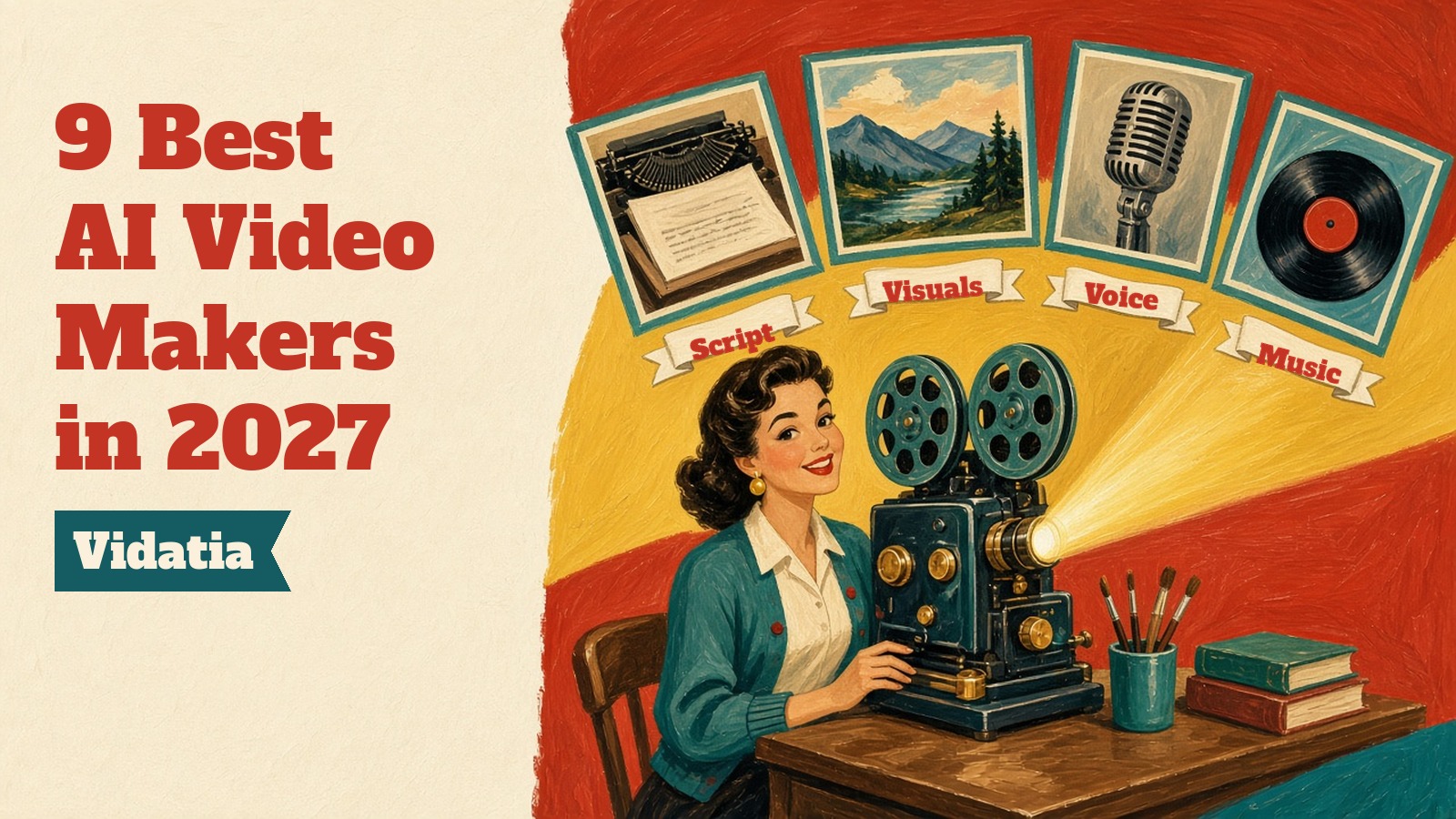
Video is still the format people watch most, and it's still the format most small businesses and creators struggle to make. Filming takes time, editing takes skill and hiring someone takes money. That's why AI video makers have gone from a curiosity to a normal part of how a lot of content gets made.
When I first wrote this list, most of these tools could turn a script into a slideshow with stock clips and a robotic voice. In 2027 they write the script, generate the visuals, add natural sounding narration and music, and hand you a finished video you can tweak. Several of them now let you choose between multiple video models inside one app.
I've refreshed the whole list for 2027. Prices come from each company's own pricing page, and where a price changes too often or depends on a bundle, I've said check site. Vidatia, the AI video maker my team at Teknikforce makes, is first, and I'll explain why.
How I picked these AI video makers
There are hundreds of tools calling themselves AI video makers. I looked for ones that do something clearly useful and are easy to get started with.
- Output quality. Sharp visuals, smooth scene changes and audio that doesn't sound like a robot.
- Control. You should be able to change the script, swap a scene or adjust the voice without starting over.
- Ease of use. A beginner should get a decent first video in one sitting.
- What makes it different. Avatars, generative footage, editing or team features, every tool here has a clear strength.
- Value. A fair price for solo creators, with room to grow.
The three kinds of AI video maker
It helps to know which kind of tool you need before you compare prices.
Idea or text to video. You give it a topic or a script, and it creates the whole video, including visuals, voice and music. Great for YouTube, shorts and explainers.
Avatar and presenter video. A digital presenter reads your script on screen. Great for training, onboarding and sales videos where a face helps.
Generative footage and AI editing. Tools that create short cinematic clips from prompts, or help you edit footage you already have. Great for ads, b roll and creative projects.
The 9 best AI video makers online in 2027
1. Vidatia
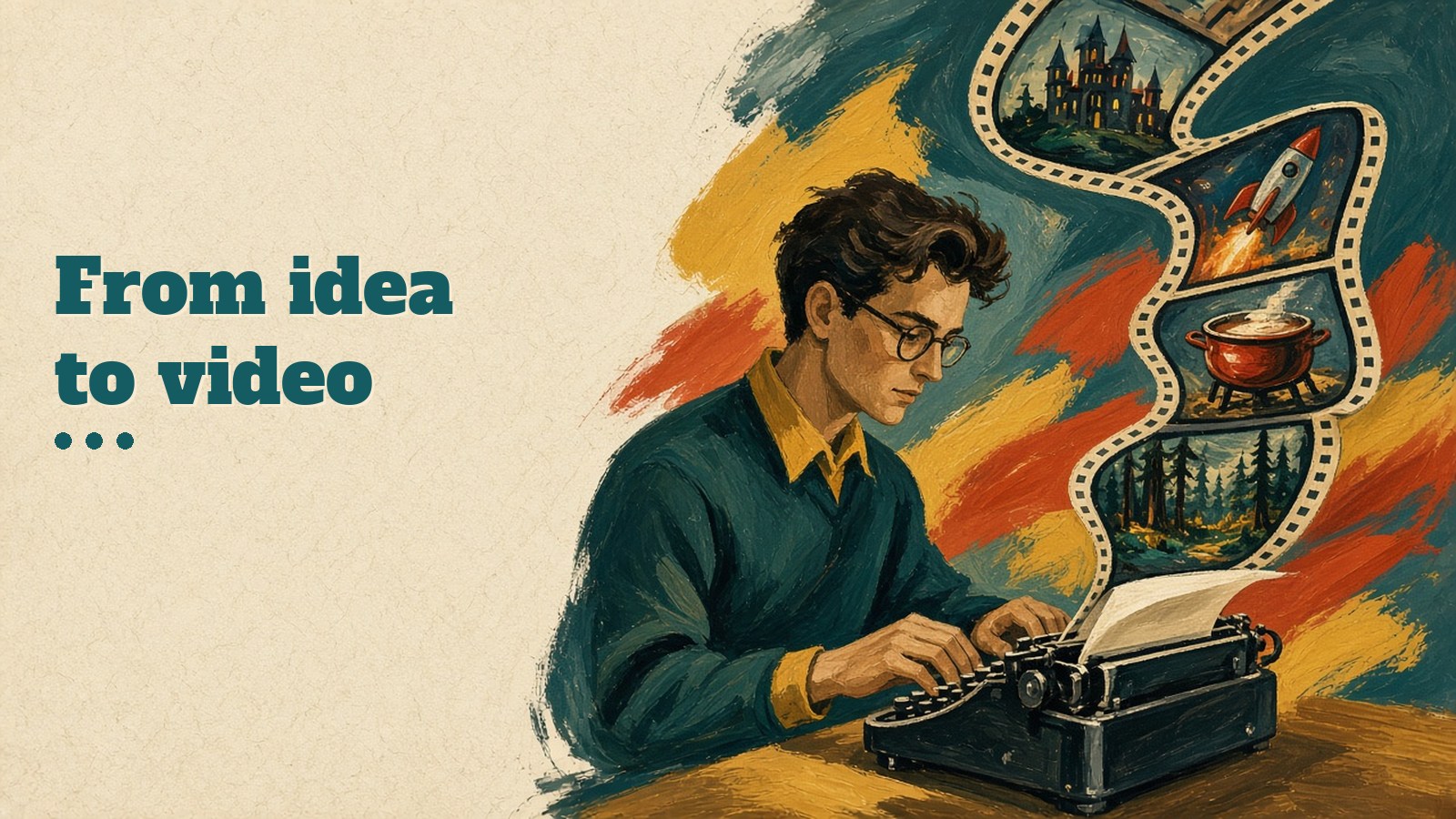
Vidatia is the tool I'd recommend first if you want finished videos from nothing more than an idea. You choose your topic, choose a visual style and Vidatia does the rest, writing the script, storyboarding it, creating the visuals and animating the scenes.
The script stage is where it saves the most time. Vidatia writes it for you, you pick the length and the tone, whether that's funny, educational, serious or entertaining, and you can edit any line before the video is made. After that you still have full control to change visuals or content until it matches what you had in mind.
It covers a wide range of formats.
- Narration videos for stories, history, facts, training and motivation.
- Shorts, Reels and TikToks made for short form platforms.
- Long YouTube videos on any topic.
- Ads and commercials for Facebook, YouTube and other platforms.
- Learning videos such as tutorials, lessons and trainings.
You can pick from dozens of visual styles, including realistic, 3D animation, live action, cartoon, line art, illustration, pixel cut and crayon. Vidatia can also create character driven videos with animated figures or lifelike, human looking characters, so you can tell stories without hiring actors. It creates videos in any language, makes the audio with AI and includes a music library, so you don't need separate voice and music tools.
Best for faceless YouTube channels, small businesses, educators and marketers who want complete videos quickly without editing skills.
Price $6.99 a month or $67 a year, with a 30 day refund.
If you're thinking about a faceless channel, my guide on how to start a faceless YouTube channel step by step and the list of faceless YouTube niches that still work in 2027 pair well with Vidatia.
2. InVideo AI
InVideo AI turns prompts and scripts into videos with stock media, voiceovers and edits, and you can refine the result by typing instructions. Its newer plans run on a credit system and include access to several image and video models inside the same editor, along with a timeline, multiplayer editing, color and audio tools on every plan.
Best for marketers and teams who want prompt based videos plus a proper editor.
Price Starter is $20 a month per seat, or $10 a month per seat billed annually.
3. HeyGen
HeyGen is one of the best known avatar tools. You can use ready made presenters or create a digital version of yourself, and it handles many languages and dialects, which makes it popular for translated videos.
Best for talking head videos, training and translated content.
Price There's a free plan. Creator is $29 a month, or $24 a month if you pay annually.
4. Synthesia
Synthesia focuses on business video, especially training, onboarding and internal communication. You type a script and an AI avatar presents it, and teams can collaborate on videos the way they would on documents.
Best for companies making training and how to videos at scale.
Price There's a free Basic plan with a watermark. Starter is $19 a month, and yearly billing costs less.
5. Runway
Runway is the creative's choice for generative video. You can create short cinematic clips from text or images and use its AI tools to edit and transform footage. It's more of a creative toolkit than a one click video maker.
Best for filmmakers, designers and anyone making artistic clips or ad visuals.
Price There's a free plan with one time credits. Standard is $15 a month, or $12 a month billed annually.
6. Pictory
Pictory turns long content, like blog posts, scripts and webinars, into short videos with stock footage, captions and voiceovers. It's a practical way to repurpose content you already have.
Best for bloggers, coaches and marketers repurposing written or recorded content.
Price Starter is from $25 a month billed annually. Pictory runs seasonal offers, so check site for the current price.
7. Google Vids
Google Vids is Google's video app inside Workspace. It helps you build a storyboard, add scenes and narration and collaborate with colleagues in the same way you work in Docs or Slides.
Best for teams already working in Google Workspace who need training and update videos.
Price Included with certain Google Workspace plans. Check site.
8. Adobe Firefly
Firefly brings Adobe's generative AI into video, so you can create clips from text or images and use them alongside Premiere Pro and the rest of Creative Cloud. Adobe pitches it as commercially safe, which matters for brand work.
Best for designers and agencies already using Adobe apps.
Price Plans and credits change often. Check site.
9. VEED
VEED is a browser based video editor with AI features like automatic subtitles, translations, background noise removal and eye contact correction. It's for editing videos you've recorded rather than generating them from nothing.
Best for social media managers and creators who record themselves and want quick, clean edits.
Price There's a free plan. Check site for paid plans.
Comparison table
| Tool | Best for | Main strength | Starting price |
|---|---|---|---|
| Vidatia | Faceless channels, shorts, ads, lessons | Idea to finished video with script, visuals, voice and music | $6.99 a month or $67 a year |
| InVideo AI | Marketers and teams | Prompt based videos plus a full editor | $20 a month per seat, or $10 a month billed annually |
| HeyGen | Talking head and translated videos | Avatars and many languages | Free plan, Creator $29 a month |
| Synthesia | Corporate training | Business avatars and collaboration | Free plan, Starter $19 a month |
| Runway | Creative and cinematic clips | Generative video tools | Free plan, Standard $15 a month |
| Pictory | Repurposing content | Blog and webinar to video | From $25 a month billed annually |
| Google Vids | Workspace teams | Storyboards and collaboration | Check site |
| Adobe Firefly | Adobe users | Commercially safe generative clips | Check site |
| VEED | Editing recorded footage | Subtitles and AI editing | Free plan, check site |
Which one should you pick?
The right tool depends on the job, not on which one has the most features.
- If you want complete videos from an idea, especially for YouTube, shorts or ads, start with Vidatia.
- If you need a presenter on screen, look at HeyGen or Synthesia.
- If you want artistic, cinematic clips, try Runway or Firefly.
- If you already have content to repurpose, Pictory is built for that.
- If you mostly edit your own recordings, VEED is the simplest.
What's changing in AI video from 2027

More models in one app. Several tools on this list now let you pick between different video and image models from inside one editor. Expect that to become normal, so the choice is more about workflow than about one engine.
Longer, more consistent videos. Keeping the same character and style across a long video used to be the weak spot. It's getting much better, which makes story and series content easier.
Labels and honesty. Platforms increasingly expect creators to say when realistic content was made or altered with AI. YouTube, for example, asks creators to disclose realistic synthetic content when they upload. I'd treat disclosure as a habit, not a chore. Viewers are fine with AI video when you're upfront about it.
Rights and likeness. Never use the face or voice of a real person without permission, and read each tool's terms on commercial use before you run ads.
For a deeper look at where this is heading, I wrote about automated video production and how to start with AI.
A few common questions
What is the best AI video maker online in 2027?
It depends on what you make. For complete videos from an idea, including script, visuals, voice and music, I recommend Vidatia. For on screen presenters, HeyGen and Synthesia are strong. For cinematic clips, Runway.
Can AI video makers create long YouTube videos?
Some can. Vidatia makes long YouTube videos as well as shorts, and you control the script length. Many generative clip tools only make a few seconds at a time, so check what each one is built for.
Do I need to show my face?
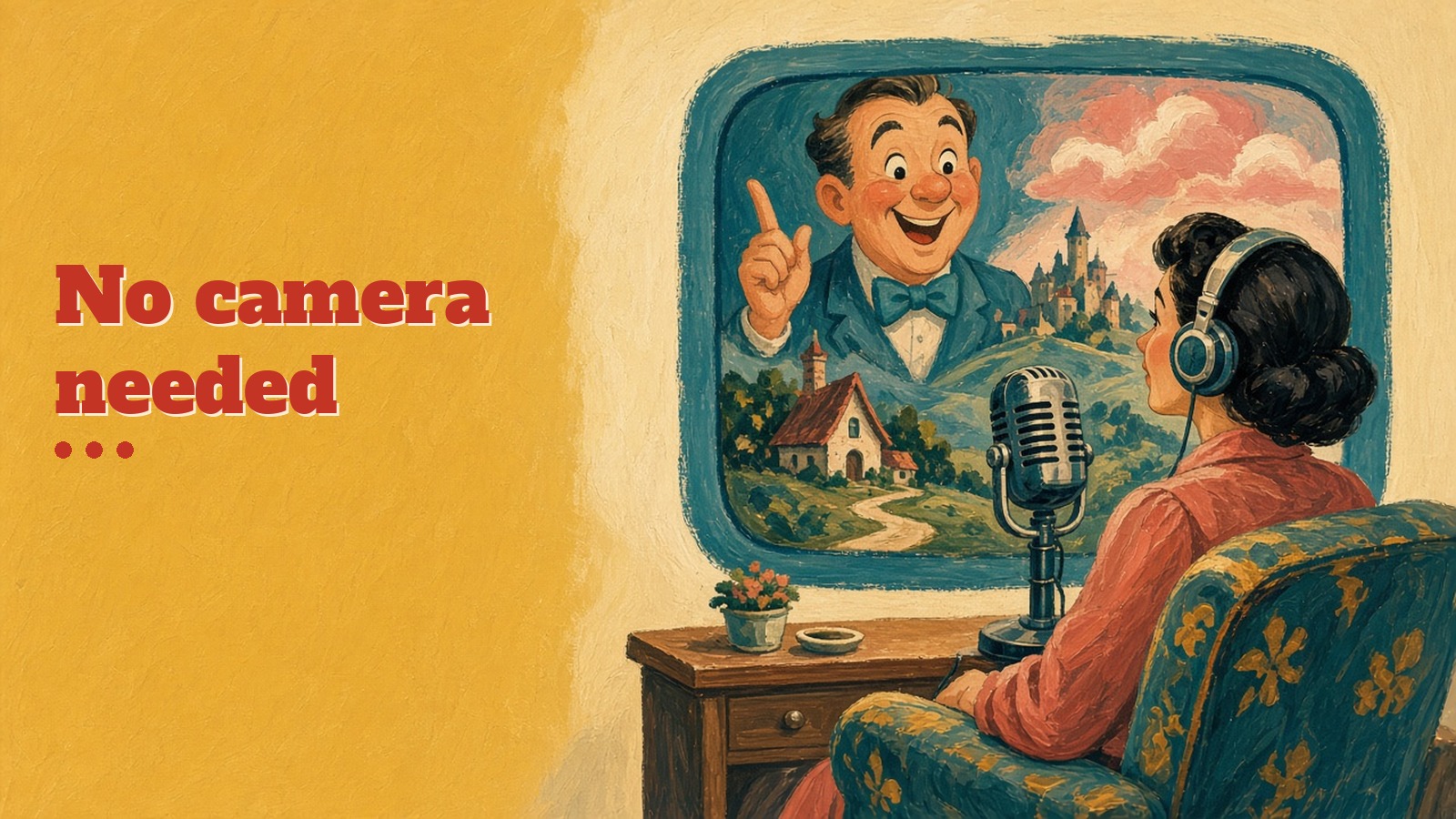
No. Faceless and narration videos are a big category, and tools like Vidatia are built for them. You can use AI characters, illustrations or footage instead.
Can I make videos in other languages?
Yes. Vidatia creates videos in any language, and HeyGen and Synthesia focus on multilingual avatars and translation.
Are AI generated videos allowed on YouTube?
Yes, but YouTube asks you to disclose realistic content that was made or changed with AI. Focus on original, useful videos rather than mass produced repeats, because low effort repetitive content can struggle with monetization.
Can I customize the video after AI creates it?
Almost every tool here lets you edit. In Vidatia you can change the script, visuals and content until it matches what you want.
Can I use AI videos for ads?
Yes, as long as you follow the tool's commercial use terms and the ad platform's rules. Vidatia makes ads and commercials for Facebook, YouTube and other platforms.
What about music and copyright?
Use music the tool provides or music you have rights to. Vidatia includes a music library, and most reputable tools offer royalty free tracks.
Is AI going to replace video editors?
It's replacing a lot of repetitive work, not creativity. The people who do best treat AI as a fast assistant and spend the saved time on ideas, scripts and story.
Make your first AI video this week
If you've wanted to publish more video but couldn't find the time, skills or budget, this is the easiest moment there's ever been to start. Pick a topic, choose a style and let Vidatia write, design and animate your first video, then publish it to YouTube, Facebook or Instagram.